Stop letting AI guess what your website is about. If you just hit "publish" and blindly hope Google, ChatGPT, or Bing figures out what your text means, you are actively handing your traffic over to competitors who actually know how to code their backend.
Schema markup is how you spoon-feed data to the algorithms. But right now, developers and bloggers are fiercely debating a seemingly tiny technical detail that actually changes everything: when you publish written content, do you tag it as an Article or a BlogPosting?
This isn't just nerdy semantics. Picking the wrong tag literally dictates whether your site gets pulled into a massive Google Knowledge Panel, cited as a factual source by an AI answer engine, or just ignored completely.
Consider this your definitive reality check. We are going to rip apart the exact differences between Article and BlogPosting schema. We will show you exactly when to use each one, and hand you the raw code to copy and paste into your site right now.
Tip: Stop thinking of schema as just an "SEO trick." It is the primary language of the new AI engines. If you want ChatGPT to cite your brand as the expert source in its answers, perfect schema is a mandatory requirement.
What Is Schema Markup and Why Does It Matter?
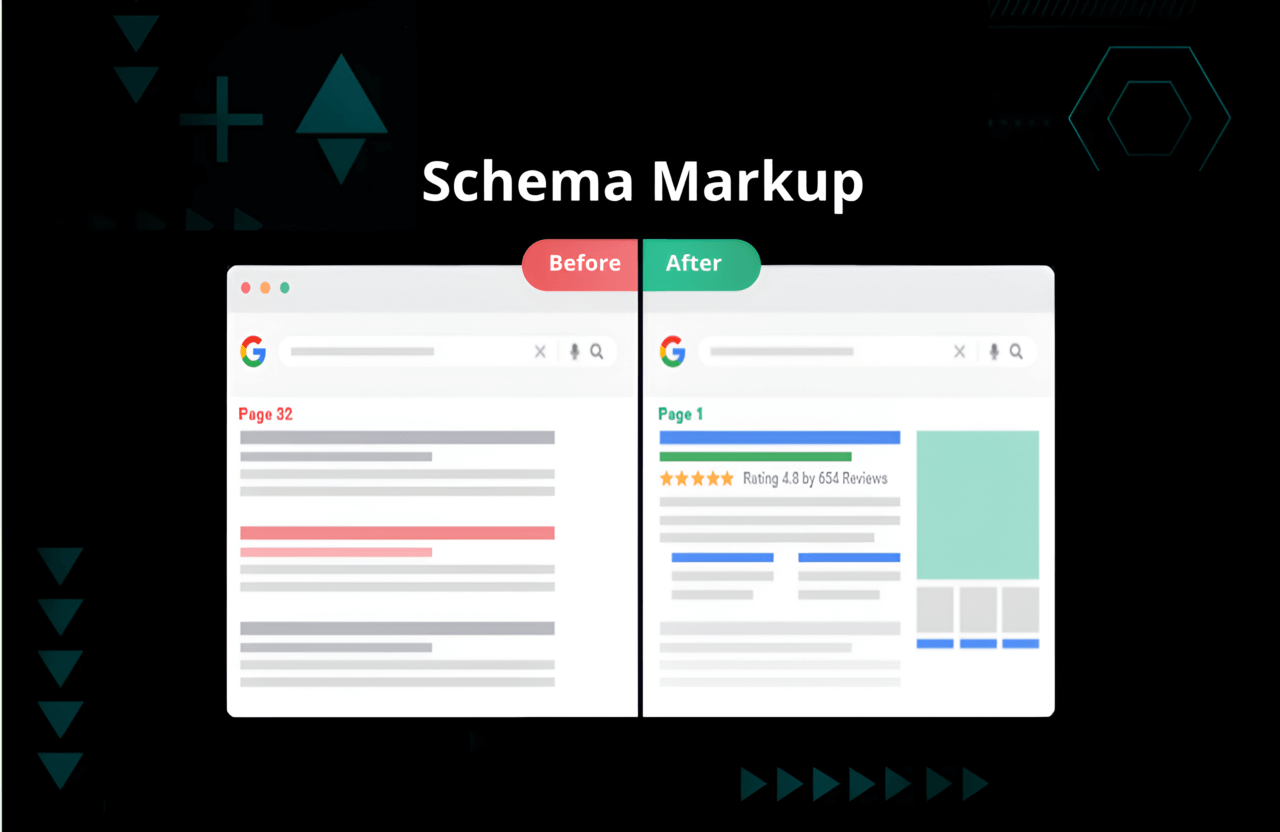
Look at it this way: search engines are incredibly fast, but they are also incredibly dumb. They can read your words, but they don't natively understand the context. Schema markup is a hidden layer of structured code (usually written in a format called JSON-LD) that explicitly tells the bots, "This is the headline, this is the author, and this was published on Tuesday."
Why do you absolutely need to care about this in 2026?
- Pure SEO power: Flawless schema is what triggers those massive, eye-catching rich snippets and review stars in Google search results.
- Answer Engine Optimization (AEO): AI models like Google's SGE or Bing Copilot do not have time to read your whole site. They scrape your schema to extract hard facts instantly.
- Generative Engine Optimization (GEO): Large Language Models (LLMs) rely heavily on structured data to build their internal knowledge graphs. Good schema forces them to respect your authority.
- AI Optimization (AIO): Multi-modal AI (voice assistants, visual search) uses this exact code to categorize your content and decide if it answers the user's prompt.
But here is the catch: you can't just tag everything as an "Article" and walk away. Precision matters.
Article vs BlogPosting Schema: The Basics
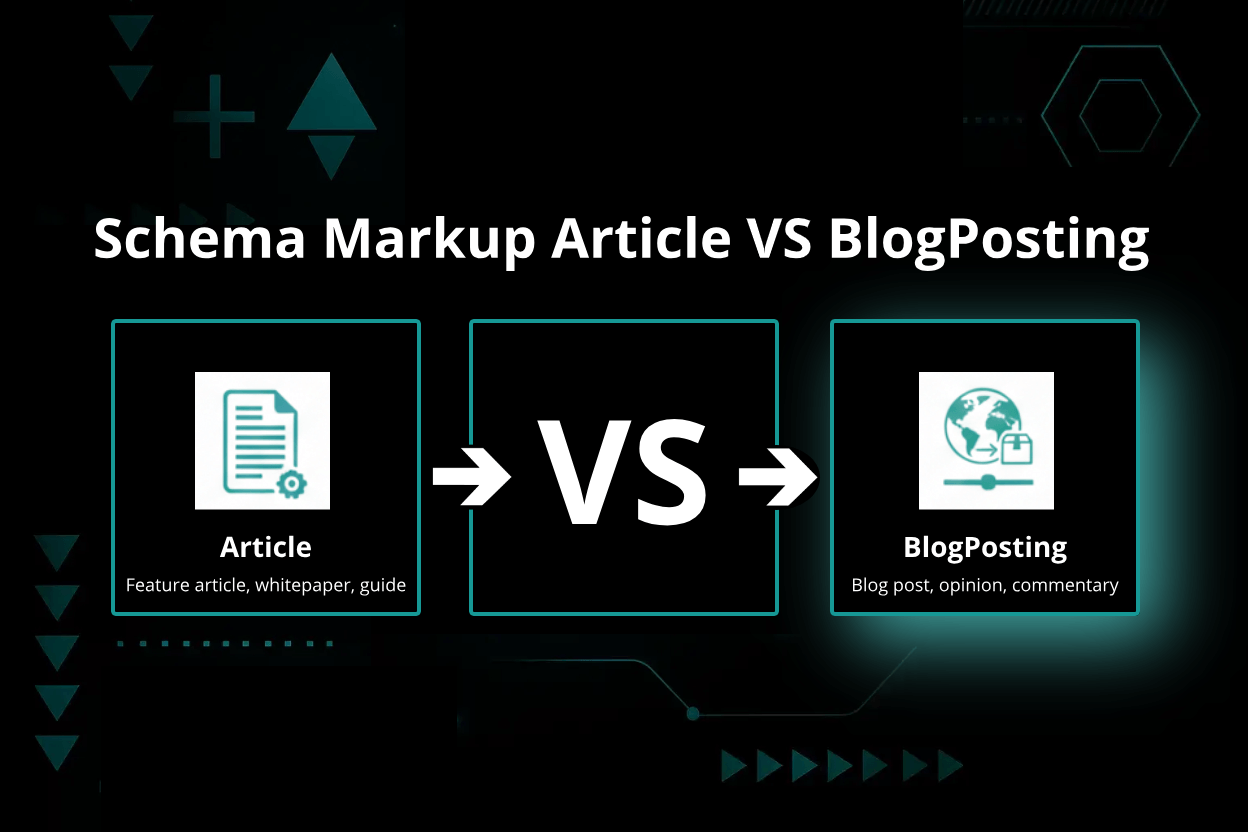
Both Article and BlogPosting come straight from the official Schema.org rulebook. They both scream "Hey, this is text!" to the search bots. But they serve wildly different operational purposes.
| Schema Type | Intended Use | Key Properties | Example Content |
|---|---|---|---|
| Article | Heavy, formal pieces (news, academic, deep features) | headline, datePublished, author, image | A massive investigative report or a Wall Street Journal piece |
| BlogPosting | Casual posts, personal opinions, highly conversational content | All Article properties PLUS specific blog links (like isPartOf) | A lifestyle blog post, a founder's diary, or a quick update |
Here is the golden rule:BlogPosting is actually just a child of Article. Every single BlogPosting is technically an Article, but an Article is absolutely not always a BlogPosting.
The Exact Schema.org Hierarchy
Think of it as a family tree:
CreativeWorkArticleBlogPosting(The casual child)NewsArticle(The journalistic child)ScholarlyArticle(The academic child)
Google explicitly wants you to use the most specific child tag possible. Don't be vague.
When to Use Article vs BlogPosting Schema
Stop overthinking this. Look at your webpage and ask yourself what it actually is.
Use Article schema strictly when:
- You are publishing hard news, a massive magazine-style feature, or a serious whitepaper.
- The content sits totally alone and is NOT part of a running blog feed.
- It is a formal press release or corporate statement.
Use BlogPosting schema strictly when:
- You are literally writing a blog post. It contains opinions, comments, or a conversational tone.
- The page lives inside an actual blog directory (like yoursite.com/blog/my-post).
- You need to use specific blog tags, like
isPartOf, to prove to Google that this post belongs to your larger blog ecosystem.
The ultimate shortcut: Is it a blog post? Use BlogPosting. Is it breaking news? Use NewsArticle. Is it a massive, standalone piece of formal research? Just use Article.
SEO, AEO, GEO, and AIO Implications
If you think this is just pointless coding semantics, look at how the machines actually use this data against you:
SEO (Search Engine Optimization)
- Google uses your schema choice to decide which search carousel you belong in.
- Using
BlogPostingunlocks specific rich snippets, like prominent author profiles and exact publish dates. - Using
Article(orNewsArticle) is the only way to force your way into Google's highly coveted "Top Stories" news carousel.
AEO (Answer Engine Optimization)
- AI answer bots don't guess. They read your schema to instantly pull the author name and publish date to build their direct answers. If your schema is broken, you don't get cited.
GEO (Generative Engine Optimization)
- LLMs map out relationships. Using the right schema explicitly tells the AI how your specific post connects to the rest of your brand's authority.
AIO (AI Optimization)
- Voice assistants (like Alexa or Siri) rely almost entirely on structured data to pull quick, spoken answers. They trust properly tagged content over raw, untagged text.
Core Properties of Article and BlogPosting Schema
Because BlogPosting is a child of Article, it inherits the DNA, but it adds a few specific weapons you need to know about.
| Property | Article | BlogPosting | Description |
|---|---|---|---|
| headline | ✔️ | ✔️ | The actual title of your piece. Make it punchy. |
| author | ✔️ | ✔️ | The human who wrote it. Crucial for E-E-A-T. |
| datePublished | ✔️ | ✔️ | The exact second it went live. |
| image | ✔️ | ✔️ | The main featured thumbnail Google should grab. |
| isPartOf | Optional | Recommended | The hard link tying this specific post back to your main blog page. |
| blogId | ❌ | Optional | The unique backend identifier for your blog. |
| commentCount | Optional | Optional | How many people are arguing in the comments section. |
| wordCount | Optional | Optional | The sheer size of the text block. |
Want to completely geek out on every single possible variable? Read the brutal, technical documentation straight from the source: Article and BlogPosting.
Practical Code Examples
Enough theory. Here is the raw JSON-LD code. You can literally copy this, swap out the dummy text for your own URLs, and paste it into your site's header today.
Example 1: Article Schema Markup
{ "@context": "https://schema.org", "@type": "Article", "headline": "How to Improve Your SEO in 2026", "image": [ "https://www.example.com/images/seo-guide-2026.jpg" ], "author": { "@type": "Person", "name": "Jane Smith" }, "publisher": { "@type": "Organization", "name": "SEO Insights", "logo": { "@type": "ImageObject", "url": "https://www.example.com/logo.png" } }, "datePublished": "2026-01-15T08:00:00+00:00", "dateModified": "2026-01-16T09:00:00+00:00", "mainEntityOfPage": { "@type": "WebPage", "@id": "https://www.example.com/seo-guide-2026" }, "wordCount": 2100 } When you actually use this: You wrote a massive, standalone whitepaper or a deep-dive feature story that has absolutely nothing to do with a blog feed.
Example 2: BlogPosting Schema Markup
{ "@context": "https://schema.org", "@type": "BlogPosting", "headline": "7 Proven Ways to Get Backlinks in 2026", "image": [ "https://www.example.com/images/backlinks-2026.jpg" ], "author": { "@type": "Person", "name": "Alex Johnson" }, "publisher": { "@type": "Organization", "name": "Nextalgoo Blog", "logo": { "@type": "ImageObject", "url": "https://www.example.com/logo.png" } }, "datePublished": "2026-02-10T10:00:00+00:00", "dateModified": "2026-02-11T11:00:00+00:00", "mainEntityOfPage": { "@type": "WebPage", "@id": "https://www.example.com/blog/get-backlinks-2026" }, "isPartOf": { "@type": "Blog", "name": "Nextalgoo SEO Blog", "url": "https://www.example.com/blog/" }, "commentCount": 12, "wordCount": 1850 } When you actually use this: Every single time you hit publish on your standard WordPress blog.
Example 3: NewsArticle Schema Markup (for comparison)
{ "@context": "https://schema.org", "@type": "NewsArticle", "headline": "Google Announces New Search Algorithm Update", "image": [ "https://www.example.com/images/google-update.jpg" ], "author": { "@type": "Person", "name": "Maria Lopez" }, "publisher": { "@type": "Organization", "name": "Tech News Daily", "logo": { "@type": "ImageObject", "url": "https://www.example.com/logo.png" } }, "datePublished": "2026-03-01T07:00:00+00:00", "dateModified": "2026-03-01T08:00:00+00:00", "mainEntityOfPage": { "@type": "WebPage", "@id": "https://www.example.com/news/google-update" }, "wordCount": 950 } When you actually use this: You run a legitimate news desk and you are breaking a timely story.
How to Implement Schema Markup on Your Site
- Stop and look at your content: Pick the exact right type (Article, BlogPosting, or NewsArticle). Don't guess.
- Write the JSON-LD: Use the templates above. Make absolutely sure your image URLs and dates are perfectly accurate.
- Inject the code: Paste the script tag directly into your HTML
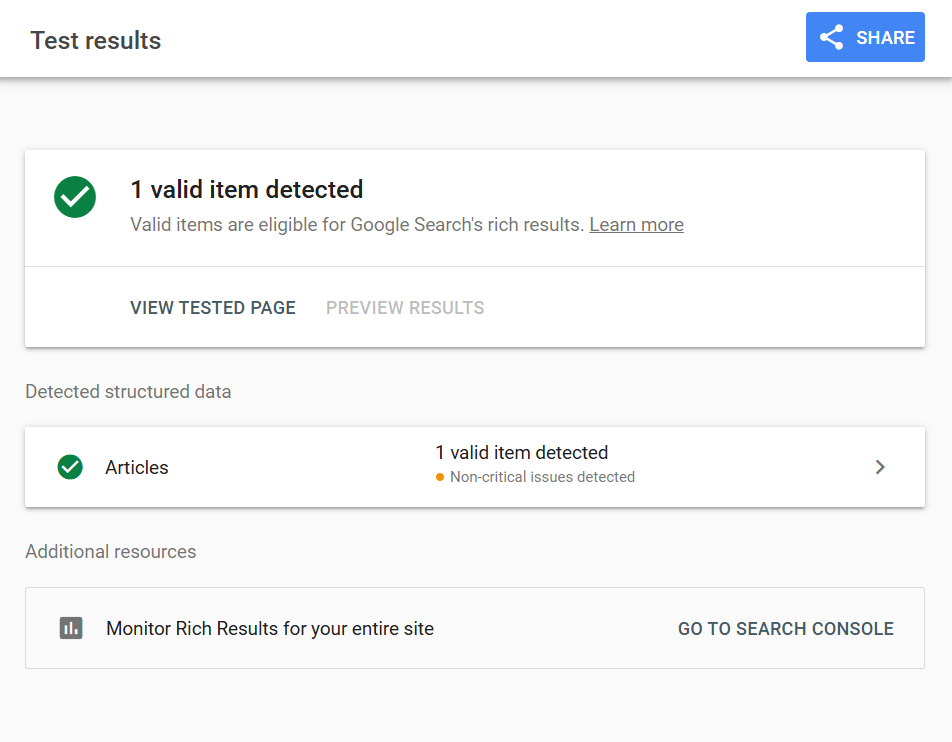
<head>section, or drop it right before the closing</body>tag. - Do not trust yourself, test it: Run your live URL through Google’s Rich Results Test or the official Schema.org Validator. If it throws a red error, fix it immediately.
- Watch the dashboard: Open Google Search Console a week later and make sure Google actually accepted the markup without throwing enhancement errors.
Further reading: If you want to see how this technical backend perfectly ties into your frontend strategy, dig into our brutal breakdowns on SEO Onpage vs Offpage Optimization and hardcore Keyword Research.
Common Mistakes and Best Practices
- Stop doubling up: Do not put both an Article tag and a BlogPosting tag on the exact same page. You will confuse the bots. Pick the most specific one.
- Don't skip the mandatory fields: If you leave out the headline, author, datePublished, or image, Google will literally ignore the entire code block.
- Connect the dots: If you use BlogPosting, you absolutely must use the
isPartOfproperty to link the post back to your main blog roll. - Keep it synced: If you update the text of your article, you must update the
dateModifiedin your schema code. - Stop lying to the bots: Do not put a 5-star review schema on a basic blog post to try and manipulate search results. Google will catch you and manually penalize your entire domain.
FAQ: Difference Between Article and BlogPosting Schema
Can I just be lazy and use BlogPosting schema for every single article?
Technically, yes, because BlogPosting is just a sub-category of Article. But you are shooting yourself in the foot. If you are publishing hard news or massive research papers, tagging them as a casual "BlogPosting" strips away their authority. Always use the most accurate tag possible.
Will switching to BlogPosting instantly boost my Google rankings?
No. Changing a tag doesn't magically push you to rank #1. What it actually does is clarify your content for the bots, making you highly eligible for rich snippets, author carousels, and direct AI citations. It is about visibility, not raw ranking power.
What happens if I totally mess up the schema code?
If your JSON-LD code is broken, or if you apply a wildly incorrect tag, Google will just ignore it. Worst case scenario? You confuse the AI models, lose your rich snippets, and totally disappear from generative search answers.
Advanced Tips for Schema Markup
- Inject extreme detail: Stop doing the bare minimum. Add the
wordCount,commentCount, and specifickeywordsproperties to give the AI models massive context. - Prove you are human: In the
authorproperty, nest aPersonobject and usesameAsto link directly to your LinkedIn or Twitter. It forces Google to recognize your E-E-A-T authority. - Automate the boring stuff: If you are on WordPress, just use Rank Math or Yoast to generate this code automatically. But always manually verify their output.
Real-World Scenarios
Scenario 1: A Massive News Site That Also Has a Casual Blog
- Breaking news stories hit the homepage? Use
NewsArticle. - A reporter writes a casual opinion piece about the news? Use
BlogPosting. - An evergreen, 10-page guide on how the government works? Use
Article.
Scenario 2: A Corporate B2B Website
- Every single post inside the /blog/ folder? Use
BlogPosting. - The massive, downloadable PDF case studies and whitepapers? Use
Article.
Scenario 3: A Freelance Writer's Portfolio
- Your personal diary updates on your homepage? Use
BlogPosting. - A massive essay you got published in a real magazine that you republished on your site? Use
Article.
Summary: Which Schema Should You Use?
| Content Type | Recommended Schema |
|---|---|
| Hard news, press releases | NewsArticle |
| Casual blog posts, opinions, daily updates | BlogPosting |
| Massive feature articles, whitepapers, heavy guides | Article |
The rule is brutally simple: Use the most specific tag that perfectly describes what your page actually is. Don't leave it up to the machines to guess.
Resources and Further Reading
- Schema.org: Article
- Schema.org: BlogPosting
- Google: Article Structured Data
- Google Rich Results Test
- SEO Onpage vs Offpage Optimization
- Keyword Research
Ready to Optimize Your Content?
Stop ignoring your backend code. Injecting the exact right schema markup is the fastest, highest-impact technical fix you can make today to dominate SEO, AEO, GEO, and AIO search. Whether you run a tiny personal blog or a massive corporate news desk, forcing the algorithms to perfectly understand your content is how you win traffic in 2026.
Audit your site right now. Rip out the generic tags, apply the highly specific schema you actually need, and validate the code. Do not let AI models guess what your brand is about.
Want to completely bulletproof the rest of your digital strategy? Stop reading fluff and dig into our hardcore guides on SEO Onpage vs Offpage Optimization and aggressive Keyword Research.