Remember when programming felt like some dark art reserved for absolute geniuses typing furiously in basement bedrooms? Yeah, those days are long gone. Fast forward to 2026, and teaching a kid to code is just as normal as signing them up for soccer practice. Plus, getting them started is surprisingly a breeze.
Here is the real kicker, though: If you try to force a kid to sit still and memorize a boring textbook full of code syntax, they will hate it. Guaranteed. The actual magic happens when they get their hands dirty. When they mess up, experiment, build goofy things, and ultimately have an absolute blast turning their random ideas into working projects.
So, how do you actually guide your kid (or your classroom) through this entire process without losing your mind? You're definitely in the right spot. We are going to break down the absolute best platforms out there, the right programming languages to pick, and some genuinely clever tricks to keep them hooked.
Ready? Let's jump into the fun stuff.
Quick tip: You seriously don't need to be a math whiz to help your kid code. Just bring a bit of curiosity and be fully prepared to hit the "undo" button. A lot.
Why Should Kids Learn Coding?
Look at coding in 2026 as just another form of reading or writing. It is an absolute foundational literacy now. It isn't just about staring blankly at a screen; it gives kids the actual tools to figure out how our digital world operates.
- Problem-solving: It teaches them how to take a massive, scary problem and slice it up into tiny, manageable chunks.
- Logical thinking: They learn to spot patterns naturally. It flexes a critical thinking muscle that randomly helps out in math class, too.
- Creativity: It is essentially an endless bucket of digital LEGOs. They can dream up custom games, weird animations, and interactive stories.
- Confidence: There is nothing quite like that "Whoa, I actually made this!" moment when their program finally runs. The self-esteem boost is real.
- Future-ready: It sets up a rock-solid foundation for whatever they decide to do later in life—whether they become a doctor, a graphic designer, or start their own business.
Did you know? The team at Code.org found out something pretty cool: students who play around with computer science actually tend to see their grades improve in totally unrelated subjects. It literally rewires their brains to solve problems better.
How to Make Coding Fun for Kids
If I could give you just one golden rule for this entire journey, it would be this: Keep it entirely hands-on, and keep it incredibly playful.
- Start with visuals: Don't jump straight into typing out complex commands. Platforms like Scratch use snap-together visual blocks. It completely eliminates the frustration of forgetting a comma and lets them focus entirely on the actual logic.
- Build actual projects: Push them to create things they genuinely care about. A silly game featuring their pet cat? Perfect. That kind of personal connection is wildly motivating.
- Turn it into a game: Lean heavily on tools like Code.org, Tynker, and Kodable. These sites are brilliant because they disguise the learning process as actual video game levels.
- Find their tribe: Look around for local or virtual coding clubs. Building weird stuff is always way more fun when you have friends doing it with you.
- Embrace the chaos: Seriously, let them break things! Trial and error is the absolute best teacher here. Encourage them to be completely fearless.
Pro tip: Always applaud the effort, not just the perfectly working final product. Give them a massive high-five for simply figuring out exactly why their code crashed.
Best Coding Platforms for Kids in 2026
The internet is overflowing with kid-friendly tools right now. Here are the absolute standouts you should be looking at:
1. Scratch (Ages 7+)
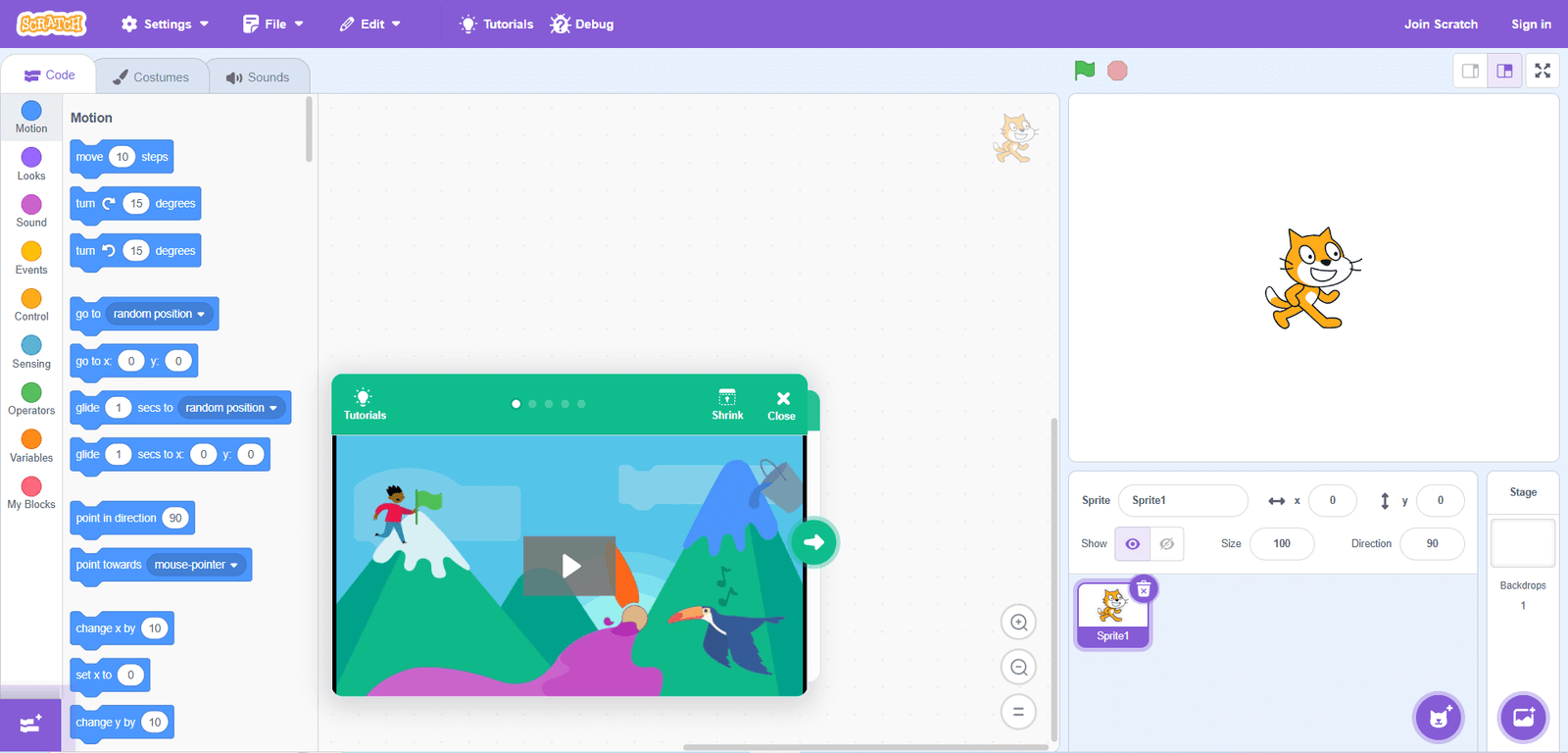
Scratch is pretty much the undisputed heavyweight champion of kids' coding. Created by the smart folks over at MIT, it relies on these colorful, snap-together blocks to bring basic games and stories to life.
- It won't cost you a dime, and it runs straight out of your web browser
- There is a massive, super-supportive community where kids love to share and remix each other's wild projects
- Honestly, it is the ultimate sandbox for picking up early logic skills
Try it: Just bounce over to scratch.mit.edu, smash that "Create" button, and start playing around. You don't even have to make an account to test it out.
2. Code.org (Ages 5+)
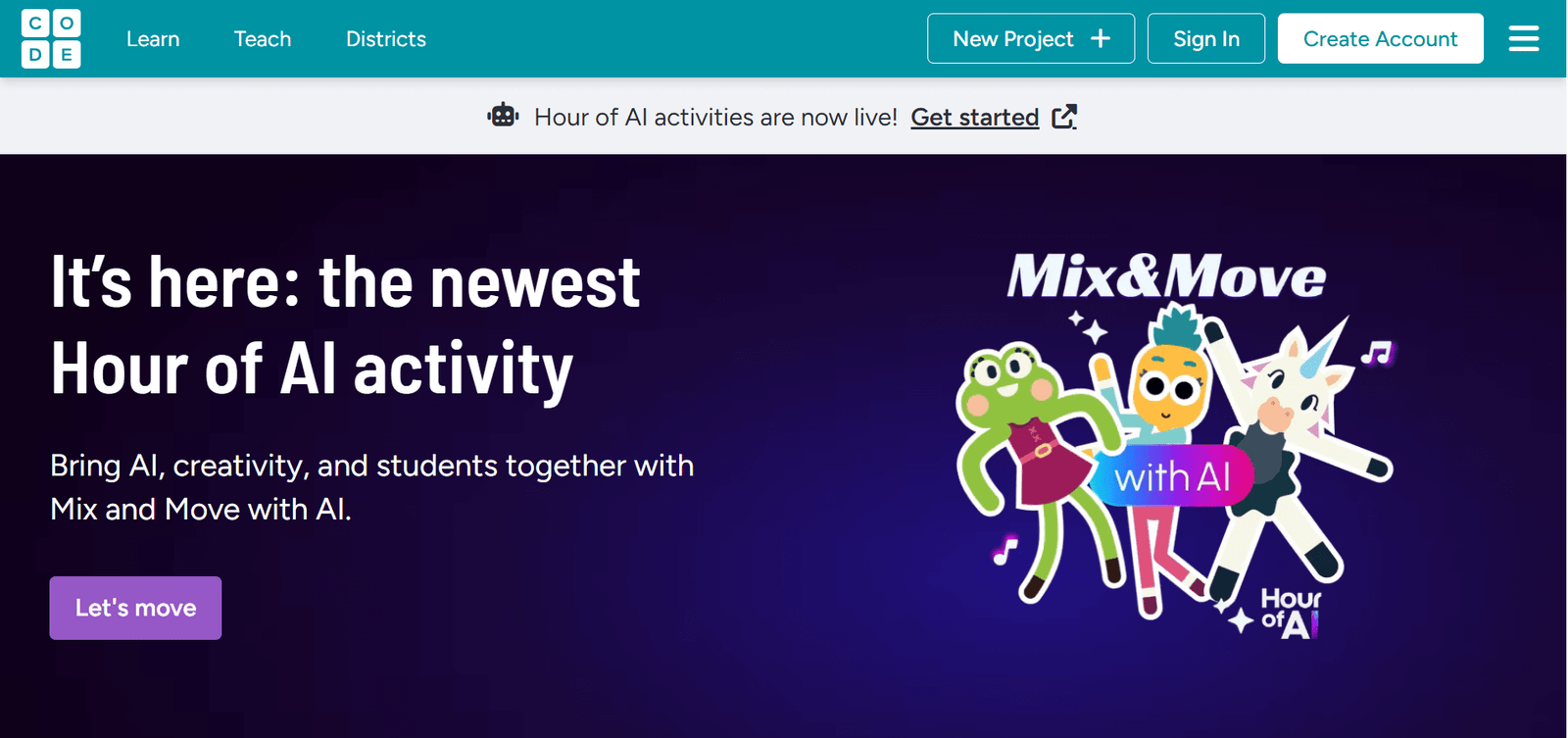
Code.org is an absolute powerhouse when it comes to free learning. Their wildly famous "Hour of Code" tutorials are genius because they use characters kids already know and love—like Minecraft creepers or Elsa—to get them instantly hooked.
- Bite-sized lessons that guide them step-by-step, no matter their age
- It does a beautiful job transitioning them from block coding over to actual text (like Python) later on
- It's heavily trusted by teachers in classrooms all around the world
3. Tynker (Ages 5+)
Tynker is a premium, paid service, but it honestly boasts one of the most polished libraries of puzzles and courses out there. It’s a fantastic bridge for kids moving from those colorful blocks straight into the deeper waters of JavaScript and Python.
- They can take the lessons totally at their own pace without feeling rushed
- It has some genuinely awesome options if they want to get into Minecraft modding or flying drones
- A massive hit whether you are using it at home or in a school setting
4. Minecraft Education Edition (Ages 7+)
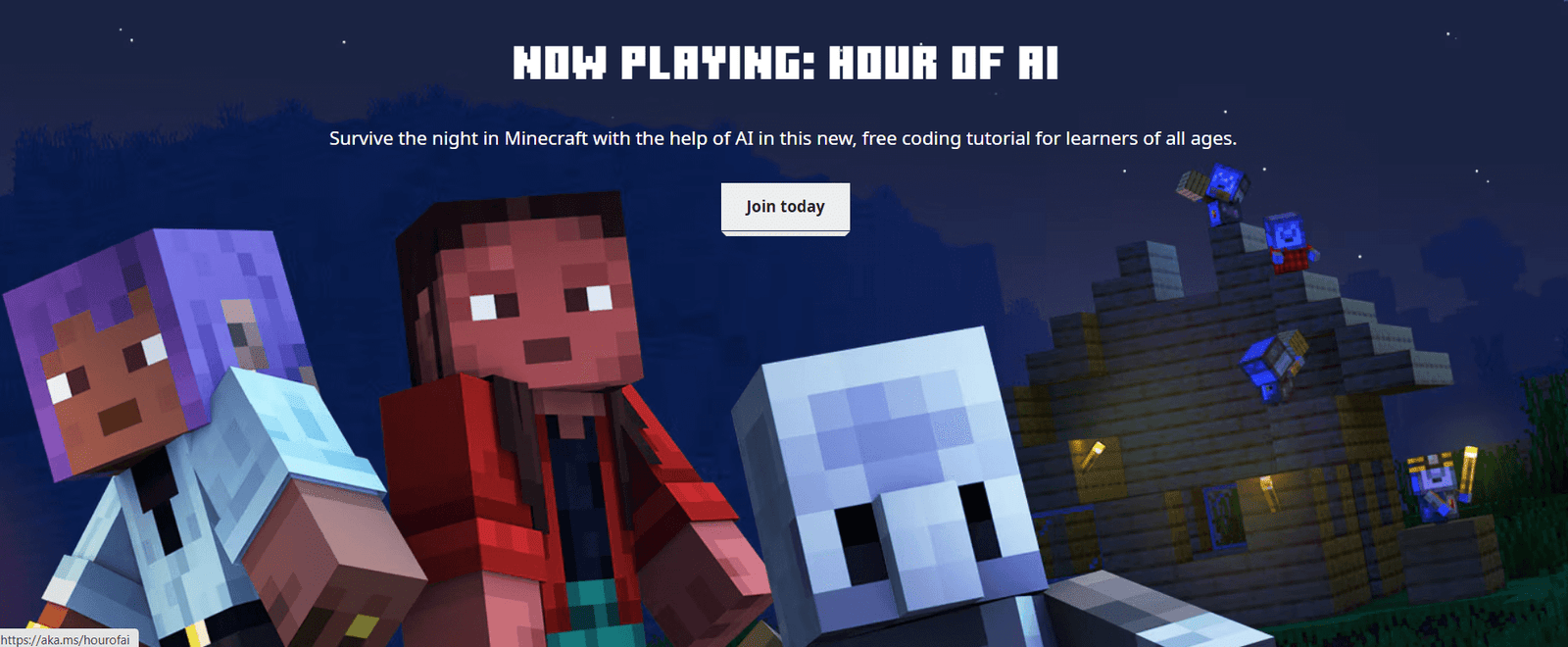
Minecraft Education Edition literally takes the video game they are already obsessing over and turns it into a secret classroom. Kids can write real code using blocks or Python right inside their Minecraft worlds. It’s pretty brilliant.
- It lets them easily flip back and forth between visual blocks and typed text
- Teachers absolutely adore it for collaborative group projects
5. Swift Playgrounds (Ages 8+)
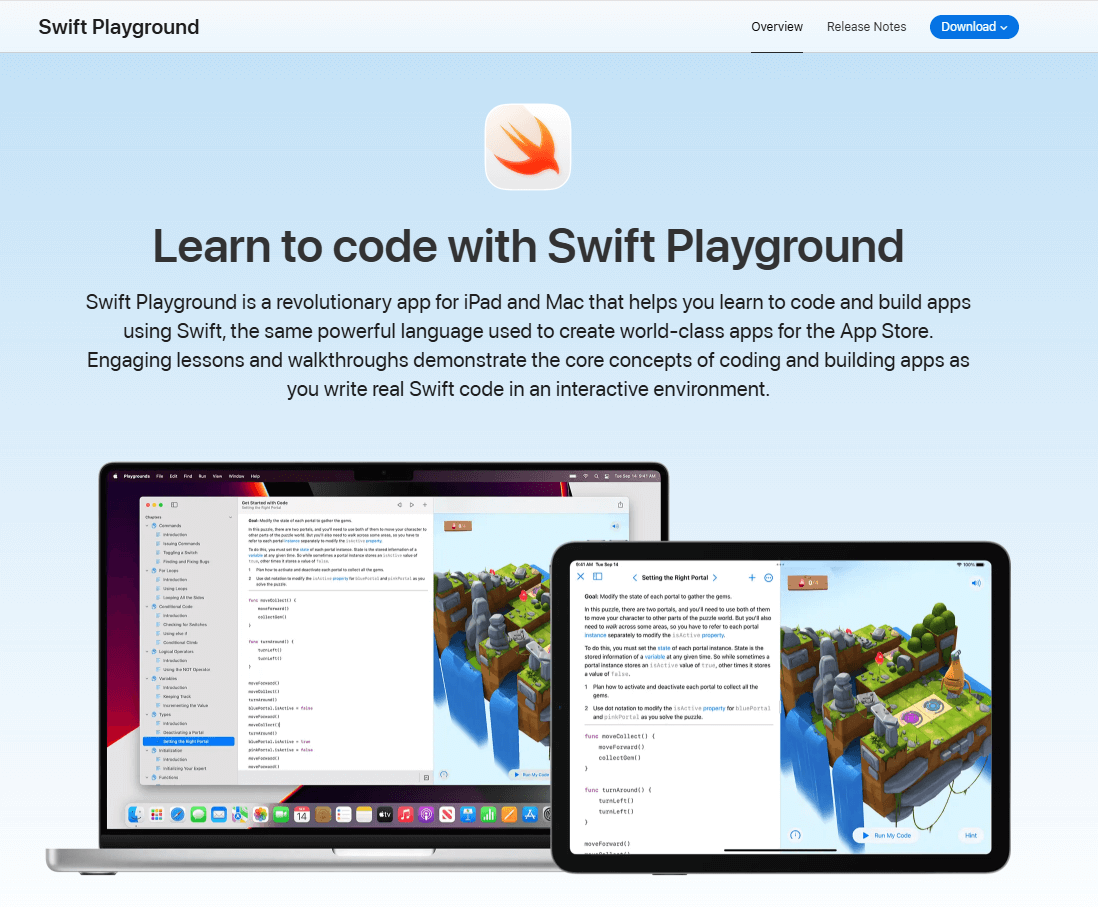
Swift Playgrounds is Apple’s completely free app for the iPad and Mac. It teaches Swift—which is the exact same language developers use to build actual iPhone apps. It feels exactly like playing a beautiful puzzle game, but it secretly teaches hardcore skills.
- The 3D puzzles are genuinely fun and incredibly immersive
- It serves as a direct, clear stepping stone to building real-world apps
6. LEGO® Robotics Kits (Ages 6+)
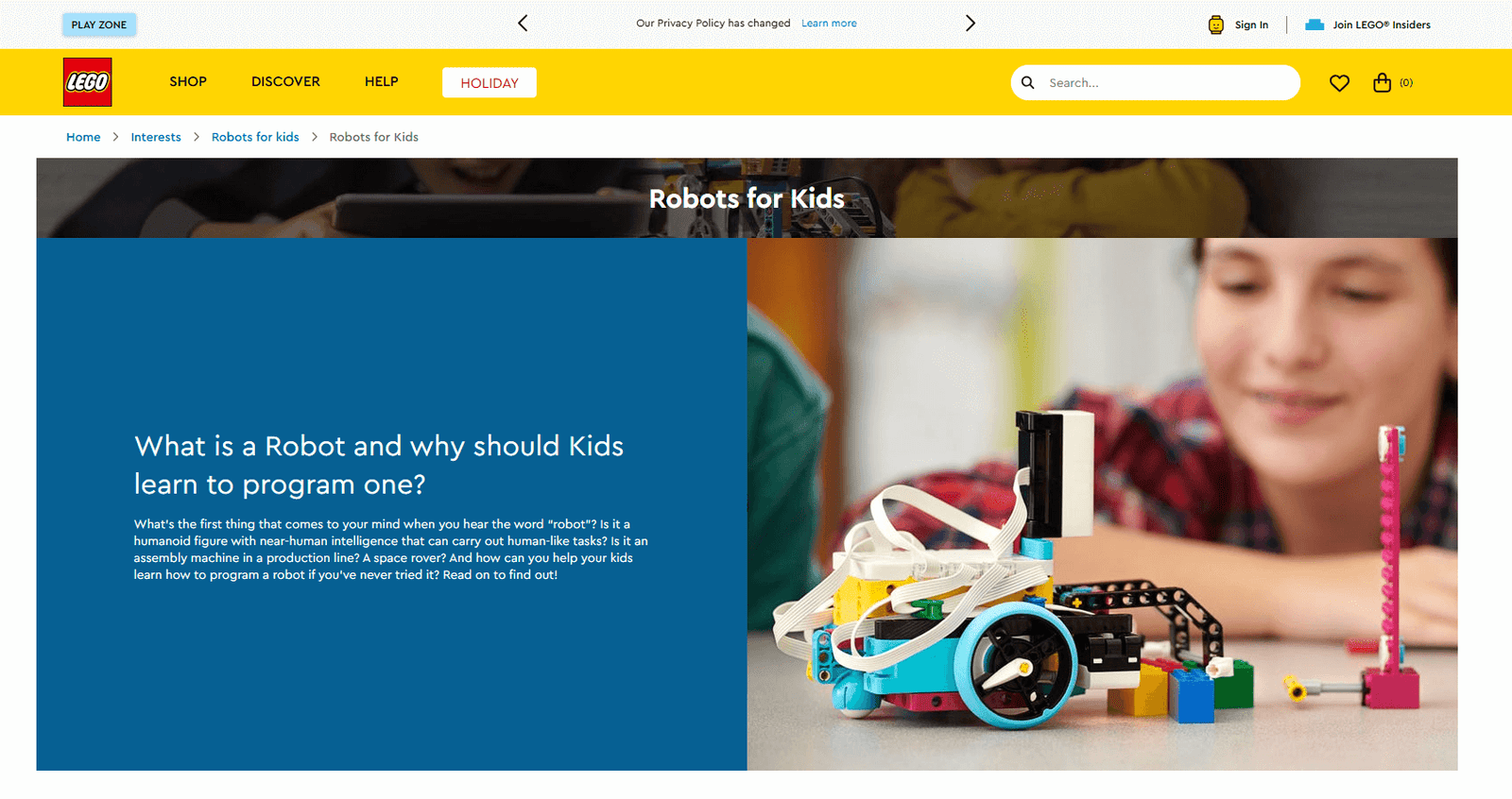
LEGO® Education kits like SPIKE™ Essential and SPIKE™ Prime finally take the coding process off the glowing screen and drop it right into the physical world. Kids get to build actual, moving robots and bring them to life with block coding. It is a phenomenal way to balance out their daily screen time.
See more: If you want to do a deeper dive, the team over at Common Sense Media has a truly phenomenal breakdown of the best coding tools out there for elementary kids.
Choosing the Right Coding Language for Kids
Please don't overthink this part. For like 90% of beginners out there, visual block coding is the undisputed champion. It’s highly intuitive, it's colorful, and it makes those annoying syntax errors practically impossible.
Once they are zooming through the blocks with ease, you can start introducing the typed stuff. Here is a super quick cheat sheet:
- Scratch, Blockly, Tynker: The holy trinity of block coding. Perfect for the 5 to 10+ crowd.
- Python: This one reads almost exactly like regular English. It's the absolute ideal first "real" language for kids 10 and older.
- JavaScript: This is the actual engine of the internet. It's amazing for teens who are itching to build interactive websites or web-based games.
- Swift: The obvious go-to if your house is already full of iPads and MacBooks. It’s extremely visual and highly rewarding.
Further reading: Need to dig a little deeper? Check out Codecademy's excellent guide covering programming languages for kids.
Step-by-Step: How to Learn Coding for Kids
- Find a friendly sandbox first. Boot up Scratch, Code.org, or Tynker. Just let them poke around and play the games without any weird pressure.
- Follow a basic tutorial. Ask them to build a simple chase game or maybe a silly animated greeting card. Getting that first guided project done builds so much initial confidence.
- Play to learn. Download little apps like Kodable or Lightbot. They basically feel like regular mobile games but they are secretly teaching core programming logic.
- Find a coding crew. Push them to publish their Scratch projects online or track down an after-school club. Sharing their work makes the whole thing feel real.
- Make the big jump to text. When those blocks start feeling too easy, ease them into Python or Swift Playgrounds. Just keep those initial scripts super, super short.
- Keep the vibes extremely positive. Set tiny, almost hilarious goals—like trying to make a pixelated cat meow when you click it. Celebrate every single tiny win!
Need inspiration? Hitting a creative wall? Go browse the Scratch Games Gallery. Kids can literally "remix" any game they stumble across to see exactly how the code works under the hood.
Top Tips for Parents and Educators
- Follow their weirdest obsessions: If they are obsessed with outer space, have them code a rocket ship game. If they love the piano, code a digital keyboard. Passion always drives focus.
- Embrace the bugs: "Debugging" is literally 80% of coding. Just remind them that computers are essentially dumb machines that need incredibly, overly specific instructions.
- You be the student: Guess what? You don't need to know Python! Sit down next to them, look at a weird tutorial together, and just say, "I have absolutely no idea how this works, let's figure it out."
- Step away from the monitor: Mix things up regularly with screen-free logic puzzles or physical building block toys.
- Tap into your local community: Check your neighborhood library for weekend tech workshops or jump headfirst into global events like the Hour of Code.
Resource: The CSforALL movement is doing some seriously amazing work right now bringing these skills directly into local communities.
Real-World Coding Projects for Kids
Once they’ve actually gotten the hang of the basics, it’s time to take the training wheels off entirely. Here are a few project ideas to really get those gears turning:
- Design an actual, playable video game: Fire up Scratch and challenge them to build a quirky maze or an old-school Mario-style platformer.
- Write a digital, interactive book: Let them blend their artistic side with some code to craft a story where the reader actually gets to choose what happens next.
- Bring a doodle to life: Have them program a digital pet that reacts and moves when you click on it or try to feed it.
- Build a robotic buddy: Grab a LEGO® SPIKE or a cheap Arduino board and see if they can make something that physically moves across your living room floor.
- Publish their very own corner of the web: Older kids can easily dive into some HTML and CSS to build a blog totally dedicated to their favorite hobbies.
- Create a genuinely helpful tool: Have them write a little Python script that randomly picks what the family is having for dinner or organizes their weekly study schedule.
Pro tip: Nothing beats the sheer thrill of someone else playing your game. Heavily encourage them to share their digital creations with grandma or their best friend.
Coding Competitions and Clubs for Kids
Sometimes, a tiny bit of friendly competition or just a strong sense of community is the ultimate motivator. Here is what’s really popular right now in 2026:
- FIRST LEGO League: An incredible environment for kids ranging from 6 to 16. It perfectly blends the physical act of robot building with teamwork and heavy coding logic. Learn more.
- CoderDojo: Completely free, totally community-led coding clubs that are popping up literally all over the world. Find a dojo.
- Girls Who Code: Deeply empowering clubs and summer camps specifically designed from the ground up to close the gender gap in the tech world. Get involved.
- Hour of Code: A massive, exciting global celebration that completely demystifies computer science using fun, one-hour tutorials. Join here.
- Virtual Hackathons: Keep a close eye out online! Lots of platforms are constantly hosting weekend coding jams packed with cool prizes just for kids.
Further reading: Want to show off all their hard work? Read up on How To Get Backlinks For Your Website to see exactly how older kids can start building a real, visible digital footprint.
FAQ: Learn Coding For Kids
What age can kids start coding?
Honestly? As early as 5! At that super young age, it's really just about simple logic puzzles and snapping brightly colored blocks together. Most of the really popular platforms scale perfectly from kindergarten all the way up through high school.
Do kids need a computer to code?
Not strictly, no. A ton of these web platforms run beautifully on an iPad or a super basic Chromebook. There are even unplugged board games that teach pure coding concepts without a glowing screen anywhere in sight.
Is coding too hard for young kids?
Absolutely not. Seriously, if they can put together a basic LEGO set or follow a simple baking recipe, they can totally code. The trick is simply giving them the right, age-appropriate tools so they don't get completely bogged down in confusing text right out of the gate.
How can I keep my child motivated?
Lean hard into their existing hobbies. If they absolutely love Minecraft, let them code inside Minecraft! Cheer loudly when they finally fix that incredibly frustrating bug, and help them find a buddy to build wacky projects with.
Resources to Learn Coding For Kids
- Scratch – The absolute best sandbox to start making block-based games.
- Hour of Code – Fantastic, lightning-quick, one-hour challenges for literally any age group.
- Code.org – The undisputed gold standard for guided, step-by-step tech learning.
- Kodable – Super cute, highly engaging logic games tailored perfectly for the 5–10 crowd.
- Girls Who Code – Essential community building and resources for girls and non-binary kids.
- Common Sense Media: Best Coding Tools for Kids
- Keyword Research – A really neat next step for teens who are pivoting into website building and SEO strategy.
Want more? Bookmark the Coding for Kids hub for a constant, fresh stream of weird project ideas and extremely handy cheat sheets.
Next Steps: Start Your Coding Adventure
Whether your kid genuinely wants to be the next big indie game developer, build actual robots for a Mars mission, or just figure out how their favorite TikTok filters actually work, coding is the magic key that opens all those doors.
Take it slow, follow their natural curiosity, and constantly remind them that literally every single expert programmer on planet earth started exactly where they are right now. The main goal? Just have fun with it.
Happy building!