Let's stop pretending that all web hosting is exactly the same. Putting your business on a garbage, $1-a-month server in 2026 isn't just a minor inconvenience; it will literally choke your website's traffic, destroy your SEO rankings, and leave you completely defenseless against automated bot attacks.
Whether you are booting up your very first blog, trying to keep a WooCommerce store from crashing during a sale, or managing twenty different client sites, your hosting provider dictates your entire reality. It controls your load speed, your security, and your mental health when things inevitably break at 2:00 AM.
But navigating the hosting industry right now is a nightmare. Every single company promises "blazing fast speeds" and "military-grade security." Most of them are lying.
Consider this your unfiltered reality check. We are going to rip apart the absolute best WordPress hosting providers operating in 2026. We will look at who actually delivers raw speed, who has customer support that doesn't make you want to scream, and which platforms you should avoid based on your actual technical skills.
Stop buying cheap hosting. Let’s get into the ones that actually work.
Want to skip ahead? I've broken down every major hosting provider below. You'll see their actual strengths, their hidden flaws, and a direct alternative if you don't like them.
Why WordPress Hosting Matters in 2026
WordPress runs over 43% of the entire internet (W3Techs, 2026). Because it is so massive, it is also the number one target for hackers. Here is why you cannot afford to mess this up:
- Speed is literal money: Google's algorithms aggressively penalize slow websites. If your site takes longer than 2.5 seconds to load, your users will bounce, and Google will bury you on page 4 of the search results.
- The hacking threat is real: WordPress is constantly under attack. A premium host acts like a digital bouncer, using hardware firewalls and daily malware scans to block attacks before they even touch your database.
- The AI bloat: Modern WordPress themes and heavy AI plugins require serious server memory. A cheap shared server will simply crash when you try to run them.
- You need actual experts: When the "White Screen of Death" hits your site, you don't want a generic call-center employee reading from a script. You need a hardcore WordPress engineer on live chat immediately.
- Managed vs. DIY: Managed hosting means the company automatically updates your plugins, patches your security holes, and backs up your site daily. It lets you focus on writing, not server maintenance.
In short: a premium WordPress host doesn't just keep your site online. It actively helps you win traffic and lets you sleep peacefully at night.
Types of WordPress Hosting Explained
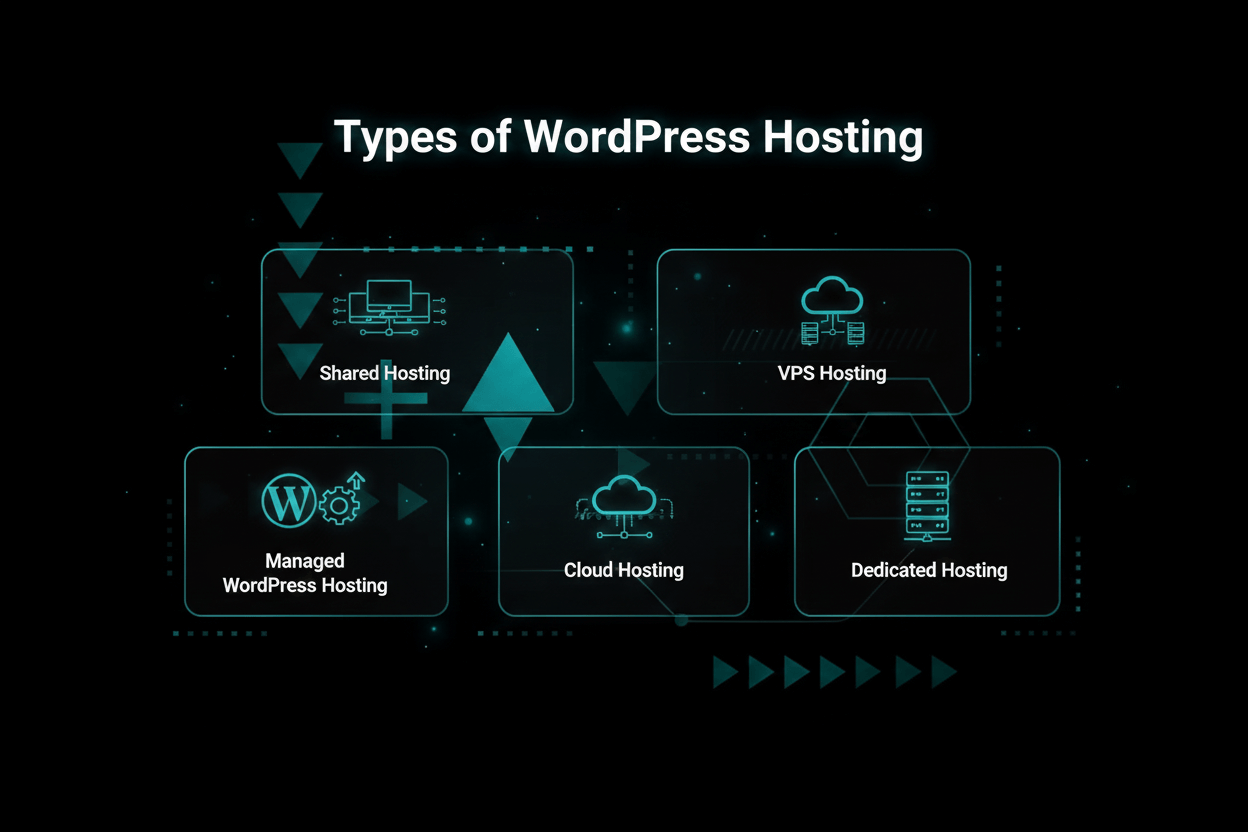
Before you pull out your credit card, you need to understand exactly what you are buying. Here is the translation of the jargon:
- Shared Hosting: The digital slums. You share a single server with thousands of other random websites. It is incredibly cheap, but if your "neighbor" gets a massive traffic spike or gets hacked, your site slows down to a crawl.
- VPS Hosting: Virtual Private Server. You get your own dedicated slice of a server. It is significantly faster and more secure, but you usually have to know how to use command-line code to manage it.
- Managed WordPress Hosting: The VIP treatment. The server is fine-tuned specifically for WordPress. They handle all the nerdy stuff—backups, caching, updates—so you don't have to. Highly recommended for 95% of users.
- Cloud Hosting: Your website is hosted across a massive, decentralized network of servers (like Google Cloud). It is virtually impossible to crash, making it perfect for viral blogs or heavy ecommerce stores.
- Dedicated Hosting: You rent an entire physical metal server just for yourself. It is ridiculously expensive and complete overkill unless you are running the next Amazon.
For almost every serious blogger or business owner reading this in 2026, managed WordPress hosting is the only logical choice. Leave the server management to the pros.
Top WordPress Hosting Providers for 2026
- WP Engine: The absolute gold standard for premium managed hosting.
- Kinsta: Google Cloud-powered muscle with a gorgeous dashboard.
- SiteGround: The best budget-friendly managed host for serious beginners.
- Bluehost: The official WordPress.org pick for total rookies.
- Cloudways: Insane cloud power for cheap, but zero hand-holding.
- DreamHost: No-nonsense pricing and a massive focus on privacy.
- A2 Hosting: Absolute speed demons stuck with an outdated interface.
- Flywheel: Built specifically for stressed-out freelance designers.
- Hostinger: Dirt cheap, yet surprisingly fast for your very first blog.
- Pressable: Automattic's secret weapon for heavy WooCommerce stores.
WP Engine
Best for: Massive businesses, aggressive agencies, and high-traffic sites that refuse to crash.
Pricing: Starts at $20/month (Startup plan). Custom enterprise pricing available.
WP Engine is the undisputed heavyweight champion of managed WordPress hosting. They are not cheap, and they do not apologize for it. Trusted by massive brands like Yelp and National Geographic, they are obsessed with military-grade security and raw speed.
- Performance: They use proprietary EverCache technology and Google Cloud infrastructure. Your site will load before your finger leaves the mouse.
- Security: They proactively block millions of cyber attacks daily, automatically patch your core files, and provide free SSLs.
- Support: 24/7 live chat with actual WordPress engineers who can read PHP code, not just read from a script.
- Developer tools: One-click staging environments, seamless Git integration, and automated daily backups you can restore in seconds.
- Extras: They throw in thousands of dollars worth of premium StudioPress themes for free.
| Pros | Cons |
|---|---|
| Unbeatable speed and rock-solid uptime | Definitely pricier than budget hosts |
| Aggressive security and automatic updates | Strict limits on your monthly visits and storage |
| Customer support is actually helpful | They refuse to host your email accounts |
WP Engine Alternative: Pressable
If you run a heavy WooCommerce store and need enterprise scale, look at Pressable. It is actually owned by Automattic (the people who literally built WordPress), offering similar elite performance usually at a better bulk price for agencies.
Kinsta
Best for: Growing businesses that want the raw power of Google Cloud without needing a computer science degree.
Pricing: Starts at $35/month (Starter).
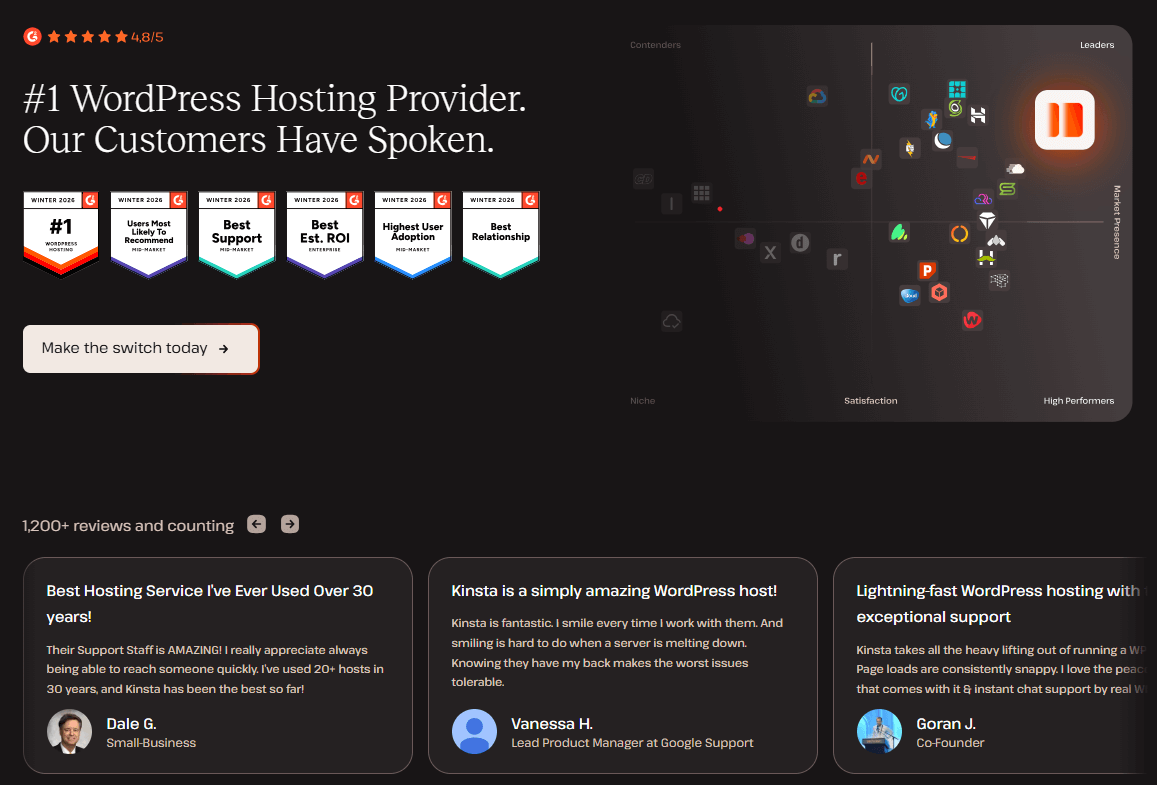
Kinsta took the unbelievable power of the Google Cloud Platform and wrapped it in the most beautiful, user-friendly dashboard on the internet (MyKinsta). It is a premium, flawlessly executed product.
- Performance: They route your site through Google's premium C2 virtual machines and a global Edge caching network. It is terrifyingly fast.
- Security: Uptime checks every two minutes, proactive malware hunting, and a guarantee that if you get hacked, they will fix it for free.
- Support: 24/7 chat. Their average response time is literally under two minutes.
- Developer features: Flawless staging areas, WP-CLI, and they will migrate your messy old site for free.
- Analytics: Deep, granular insights into exactly what plugins are slowing your site down.
| Pros | Cons |
|---|---|
| Powered entirely by Google Cloud's premium tier | $35/month starting price scares off beginners |
| The dashboard is an absolute joy to use | You have to buy Google Workspace for your email |
| They will fix your site if it gets hacked | They actively ban certain plugins to keep servers fast |
Kinsta Alternative: Cloudways
If you want Google Cloud power but $35/month makes you wince, check out Cloudways. You get the exact same server speeds for half the price, but you have to act as your own server admin. No hand-holding.
SiteGround
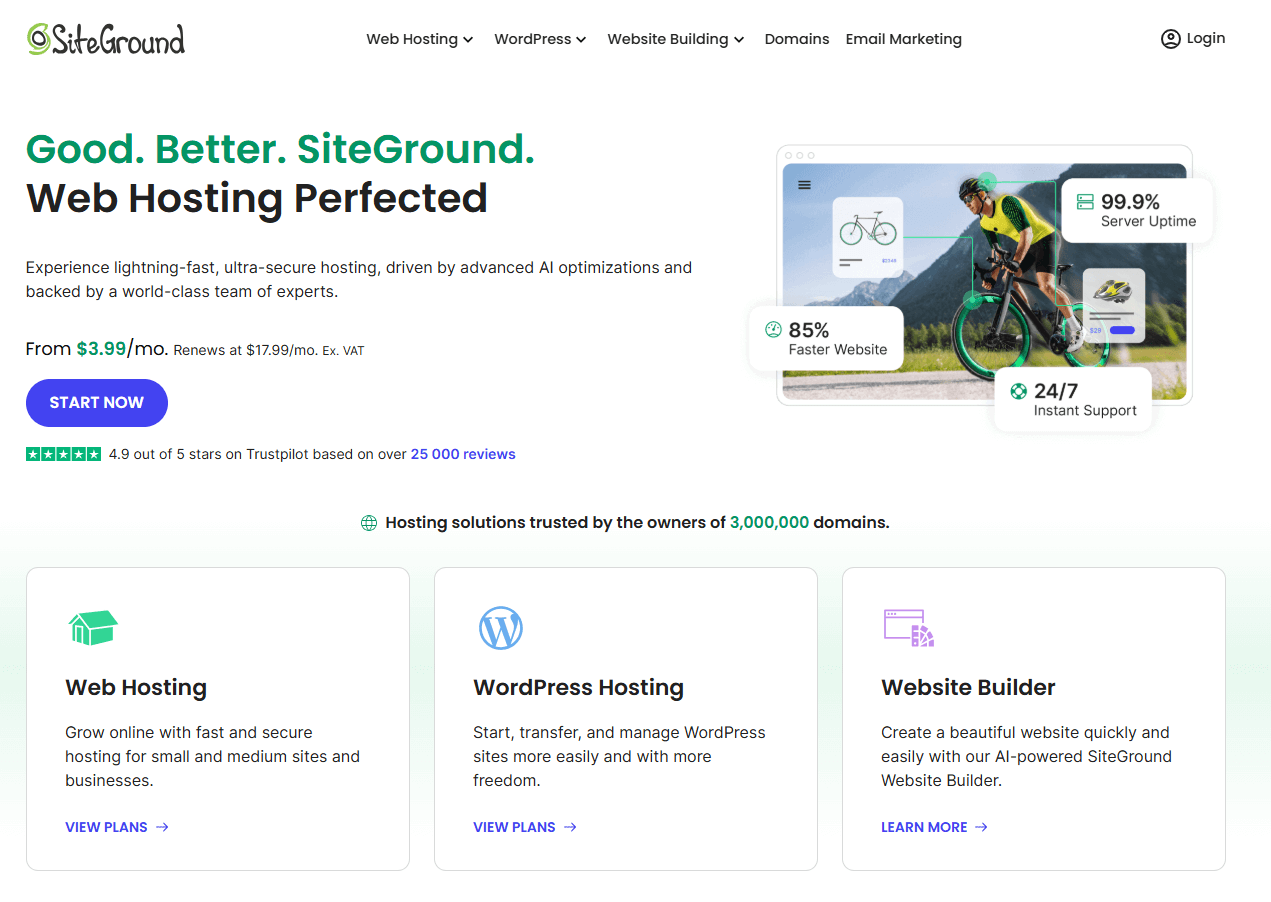
Best for: Ambitious beginners and small businesses who want premium managed features at a shared hosting price.
Pricing: Starts at $2.99/month (but watch out, it renews at $14.99/month).
SiteGround is the industry darling. They somehow managed to pack high-end Google Cloud infrastructure and top-tier customer support into a plan that costs less than a cup of coffee. WordPress.org officially recommends them for a reason.
- Performance: Fully integrated with Google Cloud, utilizing aggressive custom caching systems.
- Security: They run an AI anti-bot system that stops brute-force attacks instantly. Free SSL and daily backups come standard.
- Support: Unbelievably fast. You can actually get them on the phone if your site crashes.
- Easy site tools: Their setup wizard is foolproof, and their one-click staging feature is a lifesaver.
- Email hosting: Unlike the expensive guys, they actually let you host your professional @yourdomain.com email for free.
| Pros | Cons |
|---|---|
| Incredibly cheap entry price | The renewal price jumps dramatically after year one |
| Customer support is patient and brilliant | Storage limits are tight on the lowest plan |
| Free email hosting included | They do not give you a free domain name |
SiteGround Alternative: Hostinger
If SiteGround's renewal price terrifies you, look at Hostinger. It is even cheaper, surprisingly fast, and perfect for a brand new blog that isn't making money yet.
Bluehost
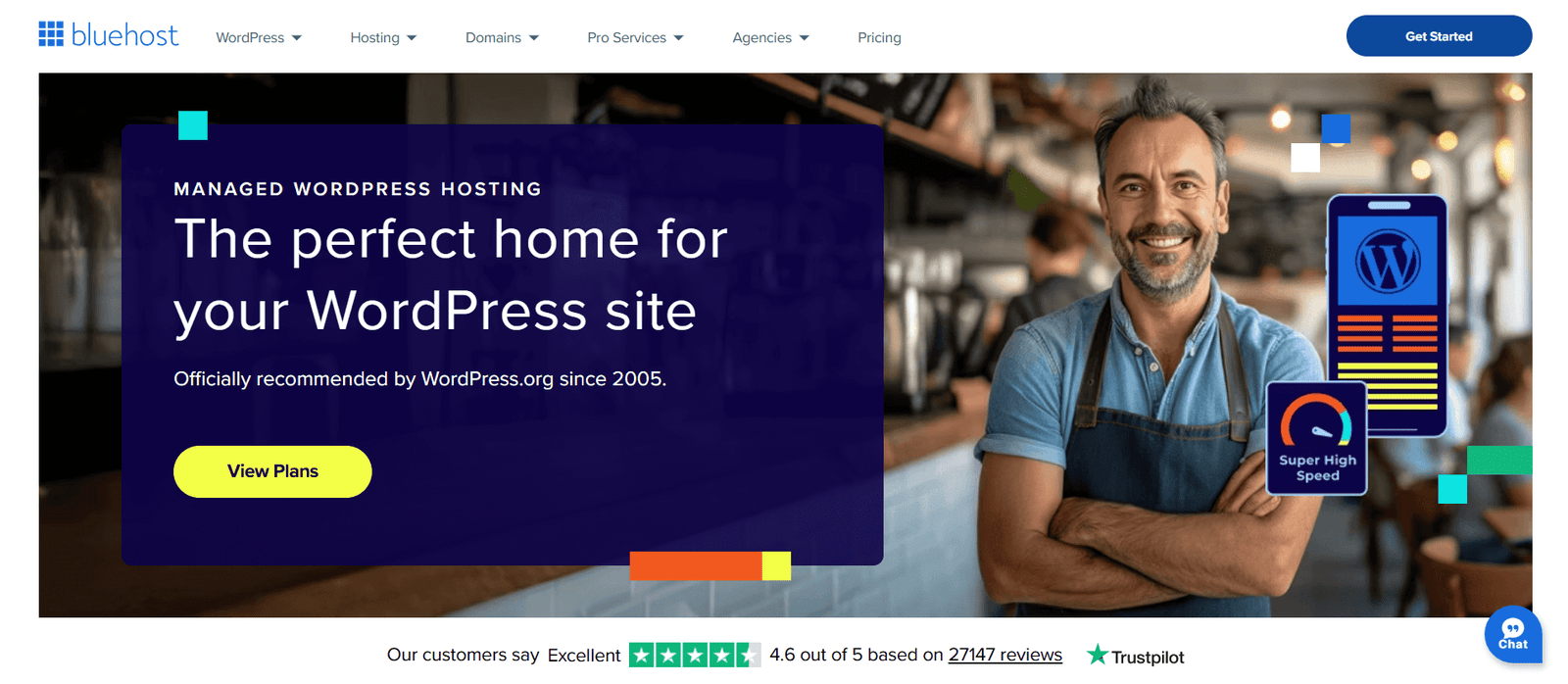
Best for: Absolute beginners who want a one-click setup and a free domain name to start their very first blog.
Pricing: Starts at $2.95/month (renews around $10.99/month).
Bluehost is massive. They are aggressively marketed and are one of the three hosts officially endorsed by WordPress itself. It is the definition of a starter host: cheap, easy, and bundles everything you need into one package.
- Performance: Standard SSD storage and a built-in Cloudflare CDN. It isn't going to win a drag race, but it works.
- Security: Free SSL certificate, though they will try to upsell you on advanced malware protection.
- Support: 24/7 phone and chat, plus a massive library of beginner tutorials.
- Extras: They hand you a free domain name for the first year, which makes starting a blog frictionless.
| Pros | Cons |
|---|---|
| The easiest onboarding process on the internet | The dashboard is filled with annoying upsells |
| Free domain name and email included | Speed will drag if your site gets heavy traffic |
| Officially endorsed by WordPress | Support can be painfully slow during peak hours |
Bluehost Alternative: DreamHost
DreamHost is also officially recommended by WordPress, but they don't harass you with upsells, their pricing is wildly transparent, and they offer a massive 97-day money-back guarantee.
Cloudways
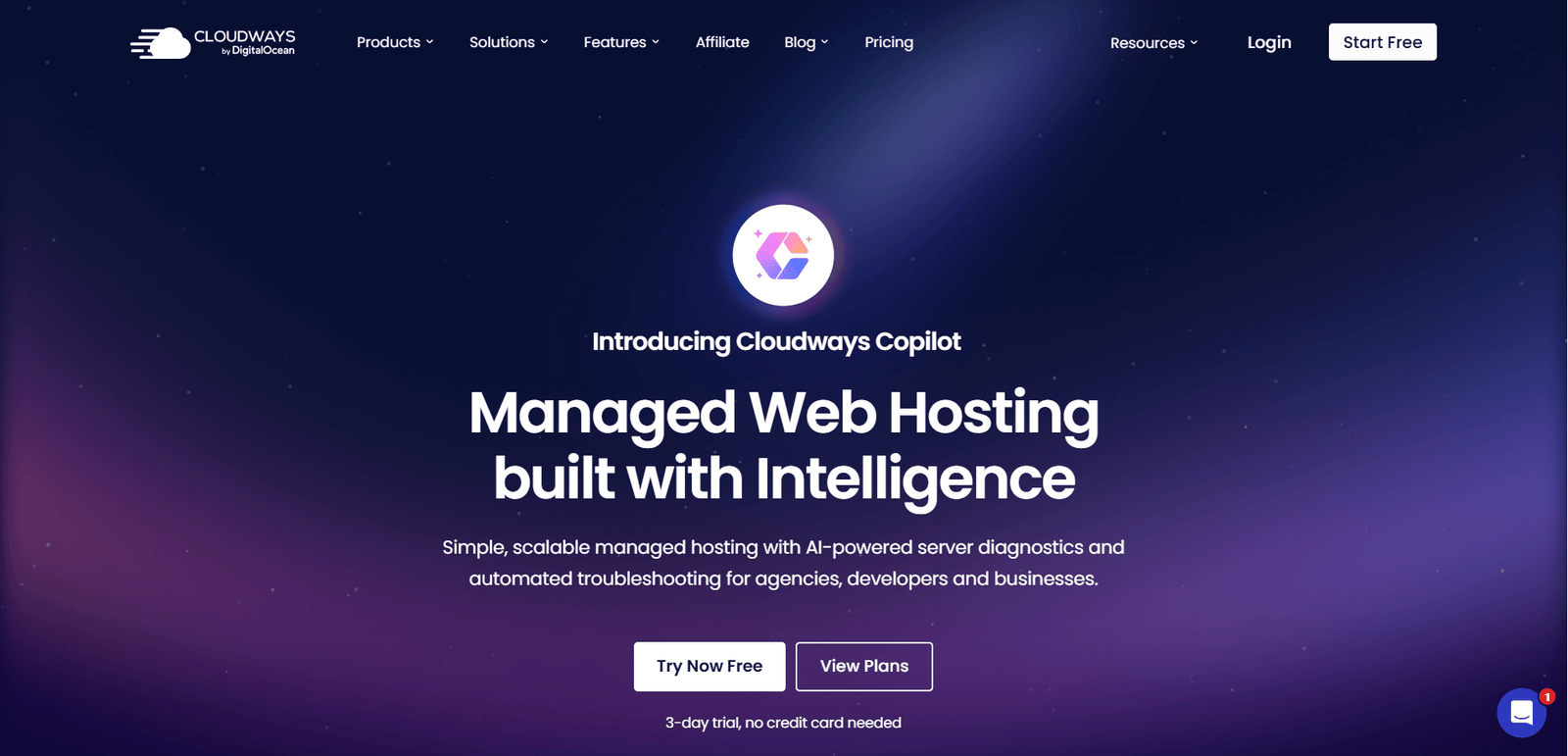
Best for: Tech-savvy developers who want the raw speed of a dedicated cloud server without paying premium managed prices.
Pricing: Starts at $14/month (for a DigitalOcean server). Pay strictly for what you use.
Cloudways is a totally different beast. They don't own servers. Instead, they act as a control panel that lets you rent raw server space from massive providers like AWS, Google Cloud, or DigitalOcean, and easily install WordPress on it.
- Performance: Because you aren't sharing resources, the speed is absolutely staggering.
- Security: Dedicated firewalls, automated backups, and free SSL.
- Support: 24/7 live chat, but remember: they help with server issues, they won't fix your broken WordPress theme.
- Developer tools: SSH, Git deployment, and easy cloning.
- Pay-as-you-go: You are billed hourly. If you want to double your server power for Black Friday, you click a button. You click it again on Saturday to lower your bill.
| Pros | Cons |
|---|---|
| Unbelievable speed-to-cost ratio | No free email hosting included |
| Scale your server up or down with one click | Not for beginners. The learning curve is steep. |
| You only pay for the exact hours you use | Support expects you to know what you are doing |
Cloudways Alternative: A2 Hosting
If you want blazing speed but the idea of managing a cloud server makes you sweat, use A2 Hosting. They give you "Turbo Servers" but keep it wrapped in a traditional, easy-to-use cPanel interface.
DreamHost

Best for: People who hate hidden fees, value their digital privacy, and want a completely transparent billing cycle.
Pricing: Starts at $2.59/month for shared. Managed WordPress starts at $16.95/month.
DreamHost is a breath of fresh air in a shady industry. They don't do massive renewal price hikes, they throw in free domain privacy so telemarketers don't call you, and they back their product with an absurd 97-day refund policy.
- Performance: Solid SSD storage and unlimited bandwidth so you never get hit with overage fees.
- Security: Free SSL, automated daily backups, and strict corporate privacy policies.
- Support: 24/7 ticket system, but their live chat is only awake during US business hours.
- WordPress features: It comes pre-installed. You just log in and start writing.
- Email hosting: Fully included on all of their standard plans.
| Pros | Cons |
|---|---|
| Honest pricing without the bait-and-switch | Live chat goes to sleep at night |
| Unheard-of 97-day money-back guarantee | Their custom control panel looks a bit old |
| Massive focus on user privacy and data security | Raw speed doesn't quite match Kinsta or WP Engine |
DreamHost Alternative: SiteGround
If you need 24/7 instant live chat support and slightly faster loading times, switch over to SiteGround (just be prepared for their higher renewal prices).
A2 Hosting
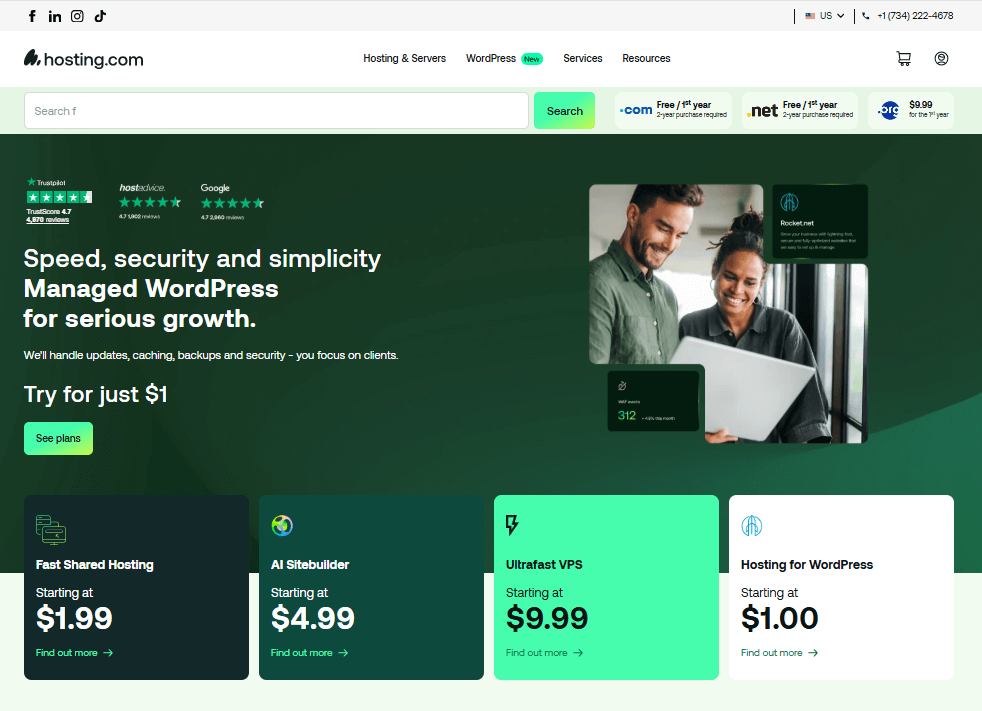
Best for: Obsessive speed junkies who want total control over their backend settings.
Pricing: Starts at $2.99/month. Their famous "Turbo" plans start at $11.99/month.
A2 Hosting has built its entire brand on one word: Speed. If you upgrade to their "Turbo Servers," they throw your site onto AMD EPYC servers with NVMe drives, promising load times up to 20x faster than standard shared hosting.
- Performance: LiteSpeed web servers and aggressive caching modules make your site fly.
- Security: They run continuous HackScan protection to block malware before it injects.
- Support: Their "Guru Crew" is available 24/7/365 and they actually know what they are talking about.
- Developer tools: Full root access, SSH, Git, and you can choose your exact data center location.
- Email hosting: Fully included.
| Pros | Cons |
|---|---|
| The Turbo plans are legitimately blazing fast | The cheapest plans don't include the speed boosts |
| Deep, granular control for developers | The cPanel interface is functional but ugly |
| Excellent, highly technical customer support | A bit overwhelming if you just want a simple blog |
A2 Hosting Alternative: Bluehost
If looking at backend server settings makes you anxious, just use Bluehost. It hides all the nerdy stuff and gives you a simple, clean dashboard.
Flywheel
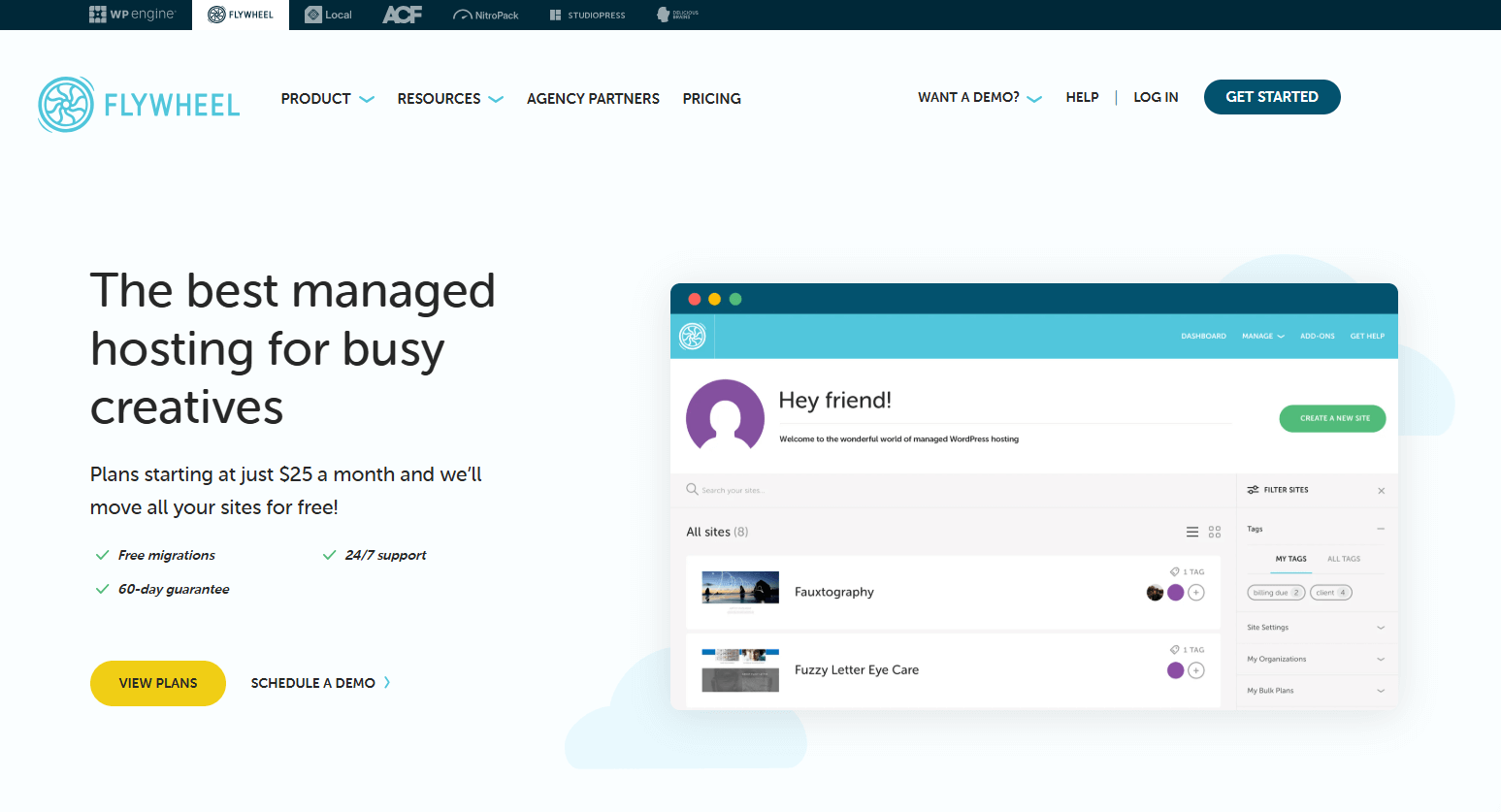
Best for: Freelance web designers and boutique agencies who build sites for clients and want a flawless billing workflow.
Pricing: Starts at $15/month.
Flywheel isn't trying to be for everyone. It is heavily optimized for creatives. Their dashboard is stunning, and their workflow tools—like building a site on a temporary domain and then easily transferring the billing to your client—are absolute lifesavers.
- Performance: Powered by Google Cloud with custom caching logic. Fast and stable.
- Security: Nightly backups, free SSLs, and free malware cleanup if a client site gets infected.
- Support: 24/7 access to genuine WordPress experts.
- Workflow: Their "Blueprints" feature lets you save a custom theme and plugin bundle to deploy new sites in seconds.
- Collaboration: Easily grant temporary passwords to clients or co-workers without sharing your master login.
| Pros | Cons |
|---|---|
| The best client-handoff and billing tools on the market | Pricing scales up quickly if you have lots of clients |
| The dashboard is a masterpiece of design | They do not provide email hosting |
| "Blueprints" will save you hundreds of hours | Strict bans on certain caching plugins |
Flywheel Alternative: WP Engine
Plot twist: WP Engine actually acquired Flywheel. If your agency grows massive and you need heavy enterprise scale, just migrate up to WP Engine's main infrastructure.
Hostinger
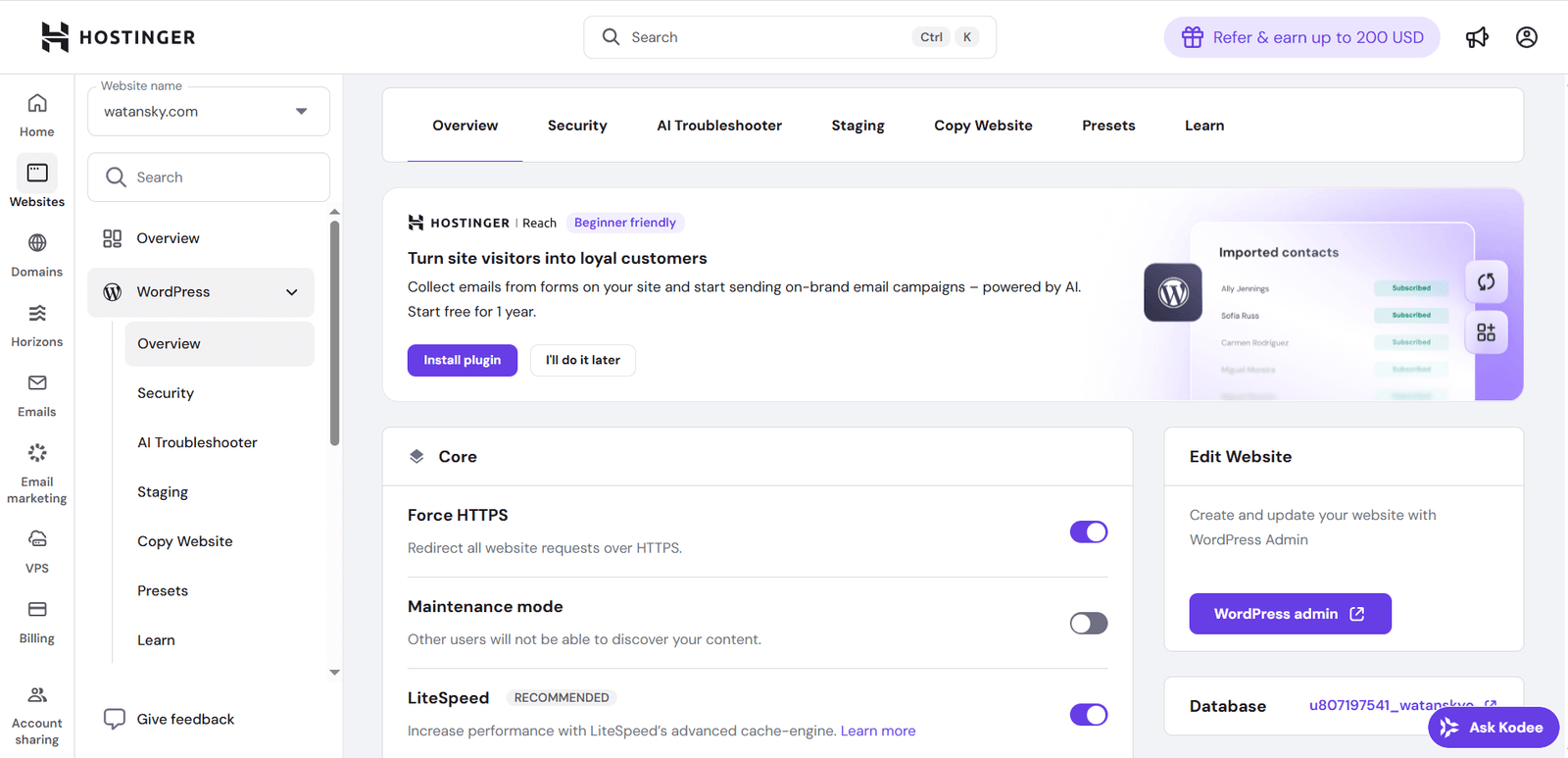
Best for: Broke bloggers and small businesses who need a reliable site without spending more than $3 a month.
Pricing: Starts at a ridiculously low $1.99/month (renews around $3.99/month).
Hostinger is aggressively taking over the budget market. Usually, when hosting is this cheap, it is completely unusable. Hostinger broke that rule. They deliver surprisingly fast LiteSpeed servers at a price point that literally anyone can afford.
- Performance: They use LiteSpeed tech and SSDs. It won't beat Kinsta, but it easily beats other hosts in this price tier.
- Security: Free SSLs, Cloudflare DNS firewall, and automated backups (weekly on the cheap plan).
- Support: 24/7 live chat. They are helpful, though you might wait a few minutes during a busy hour.
- Easy setup: Their custom hPanel is dead simple. You can install WordPress in two clicks.
- Email hosting: You get free professional email accounts right out of the box.
| Pros | Cons |
|---|---|
| Unbeatable entry-level pricing | You only get weekly backups on the cheapest plan |
| Surprisingly snappy performance for the cost | Live chat can get bogged down sometimes |
| hPanel is very easy for beginners to understand | Renewal prices do increase (though still cheap) |
Hostinger Alternative: SiteGround
If you have a slightly bigger budget and want much faster customer support and daily backups, step up to SiteGround.
Pressable
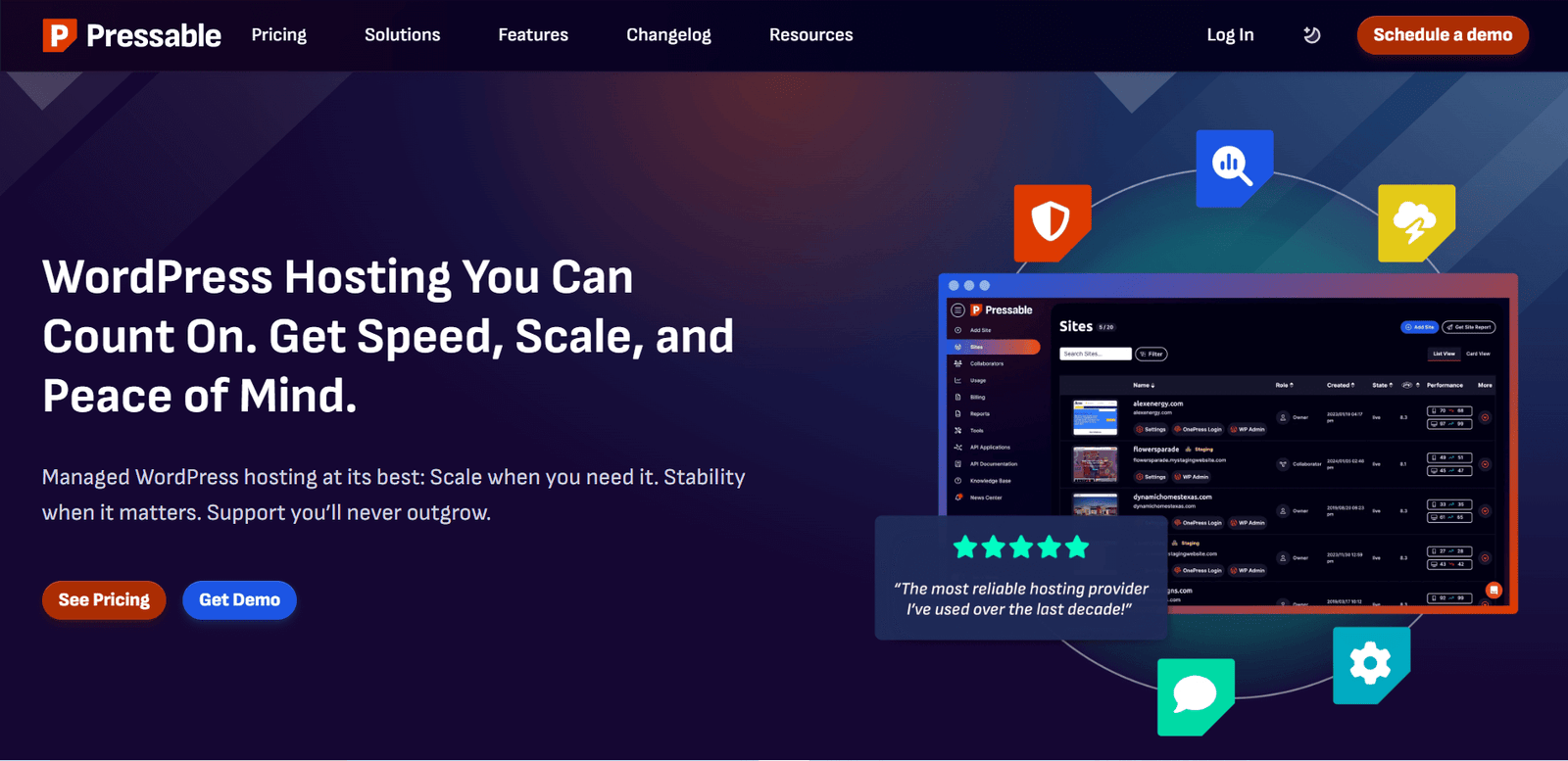
Best for: Serious WooCommerce store owners who absolutely cannot afford for their checkout page to crash.
Pricing: Starts at $25/month.
Pressable is the industry's best-kept secret. It is literally owned and operated by Automattic—the exact same people who built WordPress and WooCommerce. If you want a server specifically tuned by the creators of the software, this is it.
- Performance: NVMe server infrastructure and a massively powerful global CDN. Built to handle viral traffic spikes without sweating.
- Security: Jetpack Security is fully baked in. Free SSLs, daily backups, and hardcore malware hunting.
- Support: 24/7 access to elite WordPress engineers.
- WooCommerce: Because they own WooCommerce, their servers are specifically optimized to make cart and checkout pages load instantly.
- Agency tools: Clean dashboard for managing dozens of client sites effortlessly.
| Pros | Cons |
|---|---|
| Owned by the actual creators of WordPress | $25/month minimum is too steep for casual blogs |
| The best WooCommerce optimization on the market | No email hosting provided |
| Bulletproof reliability and uptime | The interface is strictly business, no fancy fluff |
Pressable Alternative: Kinsta
If you don't care about WooCommerce and just want a gorgeous dashboard and Google Cloud speeds, go with Kinsta.
Comparison Table: Top WordPress Hosts 2026
| Provider | Starting Price | Speed | Uptime | Support | Best For |
|---|---|---|---|---|---|
| Kinsta | $35/mo | Elite | 99.99% | 24/7 Expert | Premium performance, growing brands |
| WP Engine | $20/mo | Elite | 99.99% | 24/7 Expert | Massive traffic, aggressive agencies |
| SiteGround | $3.99/mo | Very Good | 99.98% | 24/7 | Smart beginners, small business |
| Cloudways | $14/mo | Elite | 99.99% | 24/7 | Tech-savvy devs, cheap scaling |
| A2 Hosting | $2.99/mo | Elite (on Turbo) | 99.99% | 24/7 | Speed junkies, backend control |
| Hostinger | $2.99/mo | Good | 99.90% | 24/7 | Broke bloggers, extreme budget |
| DreamHost | $2.95/mo | Good | 99.94% | 24/7 | Privacy fanatics, transparent billing |
| Flywheel | $13/mo | Very Good | 99.99% | 24/7 | Freelance designers, creatives |
| Pressable | $25/mo | Very Good | 99.99% | 24/7 | Heavy WooCommerce, enterprise |
| Bluehost | $2.95/mo | Adequate | 99.90% | 24/7 | Absolute rookies wanting an easy setup |
How to Choose the Best WordPress Hosting Provider
Stop overthinking it. Don't read 50 reviews. Just follow this brutal, simple checklist to find your match:
- Be honest about your traffic: If you get 100 visitors a month, buy Hostinger. If you get 100,000 visitors and sell products, buy Kinsta or WP Engine. Don't overpay for power you don't use.
- Be honest about your skills: If the word "FTP" gives you a panic attack, do not buy Cloudways. Stick to managed hosts like SiteGround.
- Demand daily backups: Never buy a host that charges extra to back up your site. It should be free and automatic.
- Check the renewal price: $2.99/month looks great until they automatically bill your card for $15/month next year. Read the fine print.
- Test their support immediately: The minute you buy an account, open the live chat and ask a highly technical question. If they take 20 minutes to answer, demand a refund and leave.
Further reading: Fast hosting is useless if your SEO is garbage. Fix your site immediately by reading our brutal breakdown of SEO Onpage VS Offpage Optimization.
Managed vs. Shared vs. Cloud WordPress Hosting
| Hosting Type | Best For | Pros | Cons |
|---|---|---|---|
| Shared | Absolute beginners, hobby sites | Dirt cheap, foolproof setup | Slow, highly vulnerable to neighbors hacking |
| Managed | Serious businesses, agencies, ecommerce | Zero maintenance, insane security, expert help | More expensive, they restrict certain plugins |
| Cloud/VPS | Coders, developers, viral sites | Unstoppable scaling, extreme cheap power | You are completely on your own if it breaks |
If you are running a real business in 2026, buy Managed WordPress Hosting. Your time is too valuable to spend updating PHP versions on a server.
How to Migrate Your WordPress Site to a New Host

Stop letting fear keep you stuck on a terrible, slow host. Moving a WordPress site in 2026 is ridiculously easy. Here is how it works:
- Buy your new premium hosting account. Do not cancel your old one yet.
- Ask your new host to do it. Almost every premium host (WP Engine, Kinsta, SiteGround) will literally move your site for you for free.
- If you want to do it yourself, install a free plugin like All-in-One WP Migration. Click "Export." Go to your new host, install WordPress, install the plugin, and click "Import." Done.
- Log into your domain registrar (like GoDaddy) and change your DNS nameservers to point to the new host.
- Wait 24 hours. Cancel your old, terrible hosting account.
Best Practices for WordPress Hosting in 2026
- Turn on auto-updates: An outdated plugin is an open backdoor for hackers. Let your host update them automatically.
- Lock your door: Use a complex password and force Two-Factor Authentication (2FA) on your WordPress login screen immediately.
- Never trust your host completely: Yes, they take daily backups. But you should also run your own off-site backup (using a plugin like UpdraftPlus) just to be safe.
- Purge your garbage: Delete plugins you aren't actively using. They slow down your server and invite security risks.
Pro tip: Got your lightning-fast server setup? Good. Now force Google to respect you by reading How To Get Backlinks For Your Website.
Frequently Asked Questions
What exactly is "Managed" WordPress hosting?
It means the hosting company acts as your personal IT department. They fine-tune the server specifically for WordPress, handle all the security patches, take daily backups, and actually know how to fix a broken database. It costs more, but it buys you absolute peace of mind.
Will my website crash if I switch hosting companies?
No. If you follow standard migration steps, your site stays perfectly live on your old host while you copy it to the new one. The transition happens seamlessly in the background when you update your DNS records.
How much should I honestly be paying for this?
If you have a hobby blog, $3 to $5 a month on Hostinger or SiteGround is perfect. If you are running an actual business, an agency, or a WooCommerce store making real money, you should be paying $25 to $40 a month for Kinsta or WP Engine. Don't be cheap with your business foundation.
Is free WordPress hosting a scam?
Yes. Absolutely. Free hosts survive by injecting ugly ads into your content, tracking your users, and providing servers so slow that Google will actively penalize you. Just pay the $3 a month for a real host.
Ready to Choose Your WordPress Host?
Stop over-analyzing the spec sheets. The best WordPress host for you entirely depends on how much traffic you actually have and whether you want to deal with technical headaches.
If you want absolute, blazing-fast perfection and zero server maintenance, buy Kinsta or WP Engine right now. If you want an incredible, easy-to-use platform on a normal budget, go with SiteGround. If you have three dollars in your pocket, use Hostinger.
Great hosting isn't an expense; it is a defensive investment protecting your hard work from hackers, slow load times, and Google penalties. Pick a solid foundation today so you never have to think about it again.
If you want to ensure the rest of your digital empire is bulletproof, dig into our guides: