Let's be brutally honest: originality is a massive deal right now. Heading deep into 2026, whether you are trying to pass a college class, running a daily blog, or managing a corporate website, getting caught stealing someone else's words will absolutely destroy your credibility overnight.
But here is the genuinely terrifying part: with billions of pages on the internet, how do you actually prove your writing is completely unique? How do you know you didn't accidentally paraphrase a source way too closely without realizing it?
That is exactly where free online plagiarism checkers save your life.
Consider this your ultimate survival guide. We are going to rip apart the absolute best free plagiarism tools currently sitting on the internet. We will look at how they actually catch you, where they completely fail, and how to pick the right one so your private documents don't end up stolen. We are also breaking down the messy privacy policies you probably usually ignore.
Ready to bulletproof your writing? Let’s get into it.
Quick tip: If you are running an important academic paper or a highly confidential business document through a random free website, please read their privacy policy first. Some of these free tools secretly sell your data. Not all checkers are built the same.
Why Use a Plagiarism Checker?
Look, plagiarism isn't always some malicious act where you just hit copy and paste. It happens by accident constantly. Maybe you forgot a citation, or maybe you just happened to structure a sentence exactly like a blog post from five years ago. Search engines, publishers, and tired college professors don't care about your intentions—their algorithms will flag you anyway.
Here is why skipping this step is basically digital suicide in 2026:
- Academic integrity: Universities do not play around anymore. Even an entirely accidental, unquoted sentence can trigger an academic review or get you expelled.
- SEO and search rankings: Google absolutely hates duplicate content. If your blog looks like a cheap copy of another site, the search engine will bury your ranking. Want to know more about how Google judges your page? Check out our brutal breakdown on SEO Onpage vs Offpage Optimization.
- Professional reputation: If you are a freelancer, a journalist, or a copywriter, handing a plagiarized document to a client will instantly ruin your career and invite massive lawsuits.
- Learning and improvement: Running your drafts through these checkers actually makes you a sharper writer. It forces you to rethink overused phrases and double-check your sloppy citations.
Did you know? A massive 2024 survey by Turnitin revealed that well over 60% of university students actively run their papers through a free checker before handing them to their professors just to avoid accidental triggers.
How Do Free Online Plagiarism Checkers Work?
It sounds like magic, but it is just heavy-duty code. These checkers use intense algorithms to scan your document and bounce it against massive, global databases of websites, old books, and student papers. Here is exactly what happens when you hit "Scan":
- Text analysis: The software rips your article apart into tiny, microscopic chunks (usually just a few words or a single sentence).
- Database comparison: It takes those tiny chunks and essentially Googles them against billions of stored documents, looking for an exact or fuzzy match.
- Similarity detection: The tool flags anything that looks suspiciously close, highlighting it in bright red or yellow on your screen.
- Originality score: You get a harsh percentage grade at the end, telling you exactly how much of your text is genuinely yours.
- Source links: The best tools will actually hand you a clickable link pointing directly to the exact website you supposedly copied from, which is great for adding forgotten citations.
Keep in mind, completely free tools usually have strict word limits and tiny databases compared to the expensive software universities use. But for a quick blog post or a fast essay check? They are absolute lifesavers.
Top Free Online Plagiarism Checker Tools for 2026
If you Google "free plagiarism checker," you will find hundreds of sketchy, virus-loaded websites. Skip the garbage. Here are the most accurate, secure, and user-friendly options actually worth your time in 2026:
1. Quetext
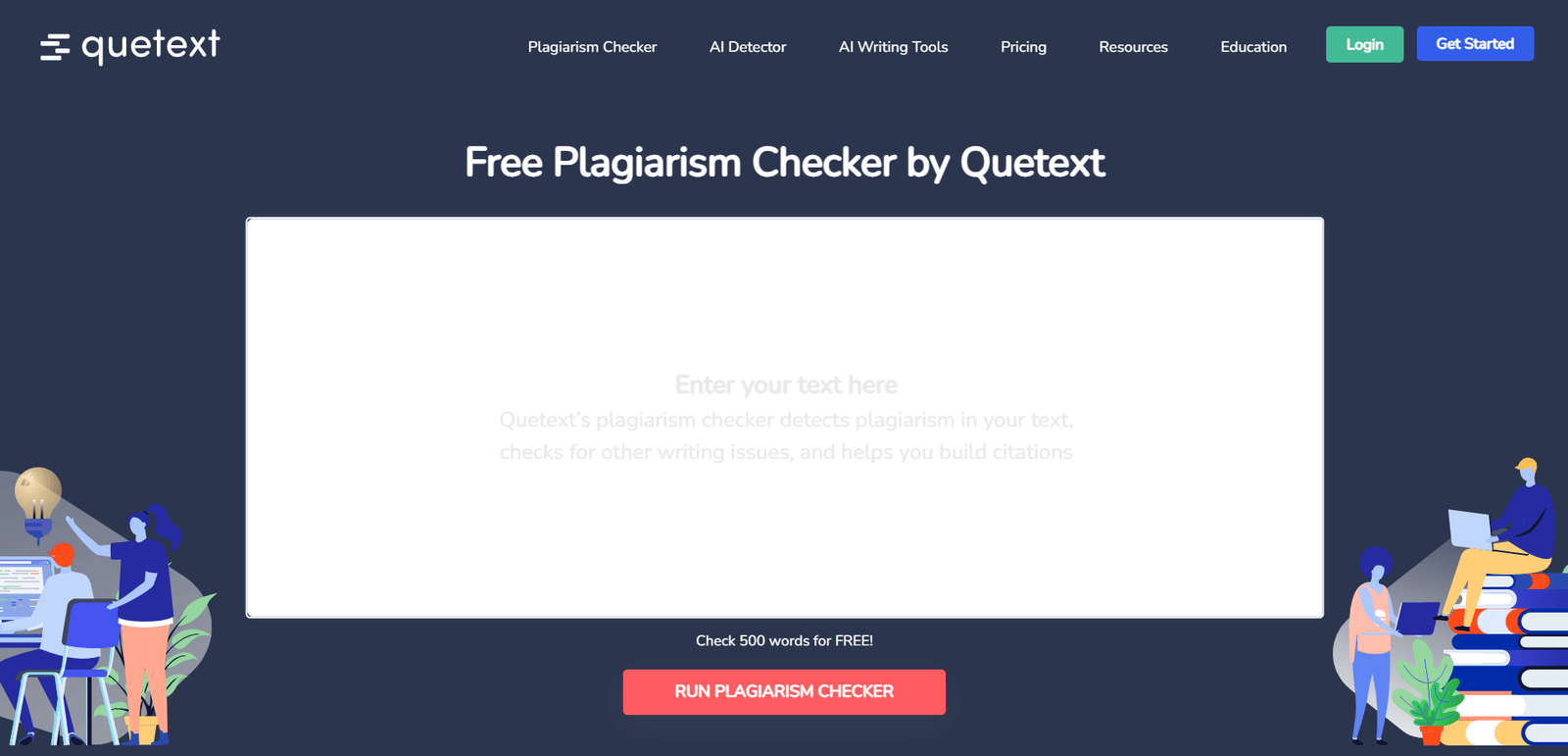
Best for: People who want a beautifully clean, lightning-fast check without a confusing dashboard.
- Free version: They cap you at 500 words per check. You get color-coded highlights and a solid basic scan.
- Pros: The interface is gorgeous. It doesn't look like a scammy website, and it gives you results instantly.
- Cons: That 500-word limit is painfully tight. If you want to upload a massive PDF, you have to pull out your credit card.
- Privacy: They publicly promise they don't store or sell your written content.
2. Grammarly Plagiarism Checker
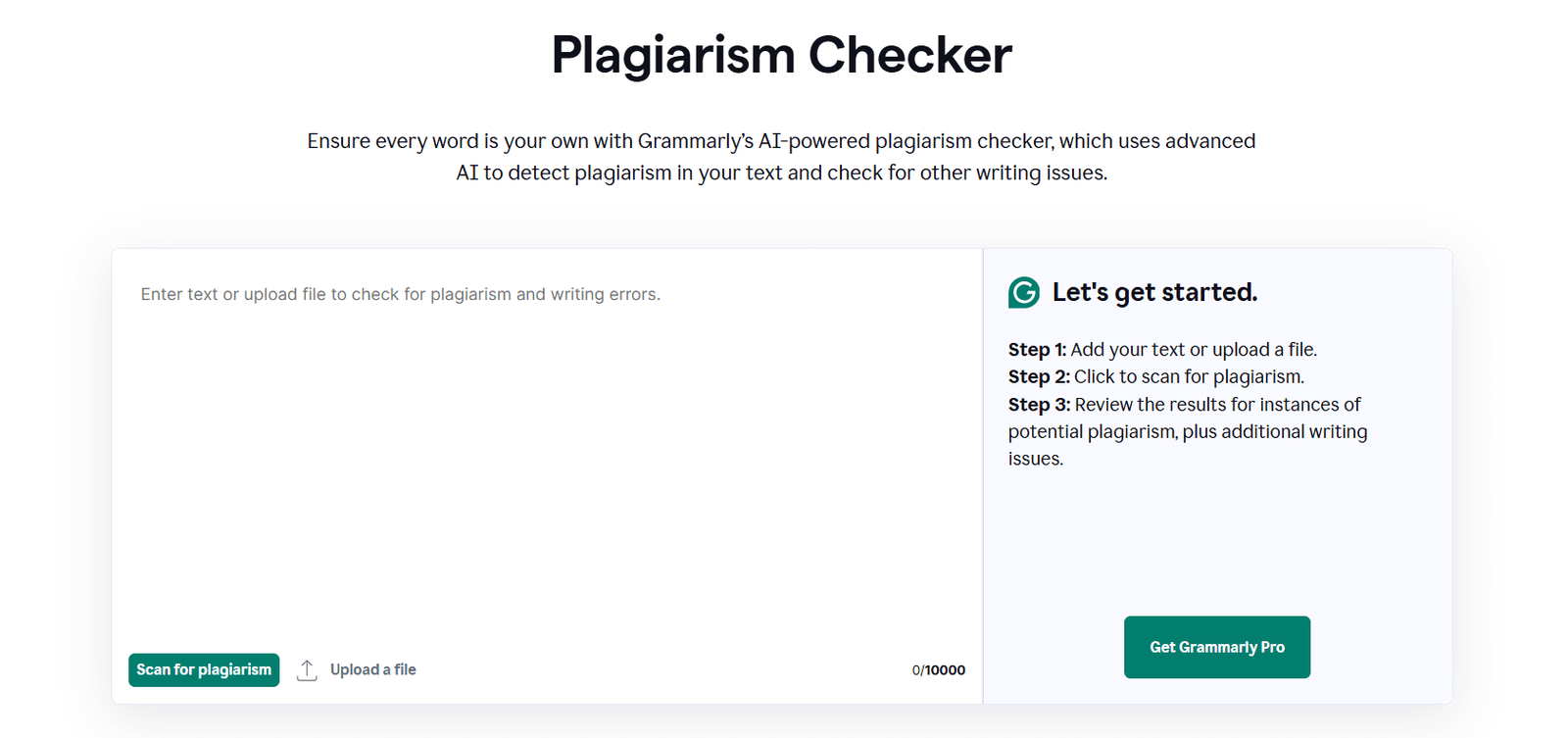
Best for: Writers who are already addicted to Grammarly and want everything in one window.
- Free version: It gives you a simple "Yes or No" regarding whether it found plagiarism, alongside basic spell-checking.
- Pros: It lives right inside your browser or Microsoft Word. It's incredibly convenient.
- Cons: The free version is a massive tease. To actually see what you plagiarized and get the source links, you have to pay for Premium.
- Privacy: Highly trusted. Grammarly doesn't steal your text to feed back into its public database.
3. Plagscan
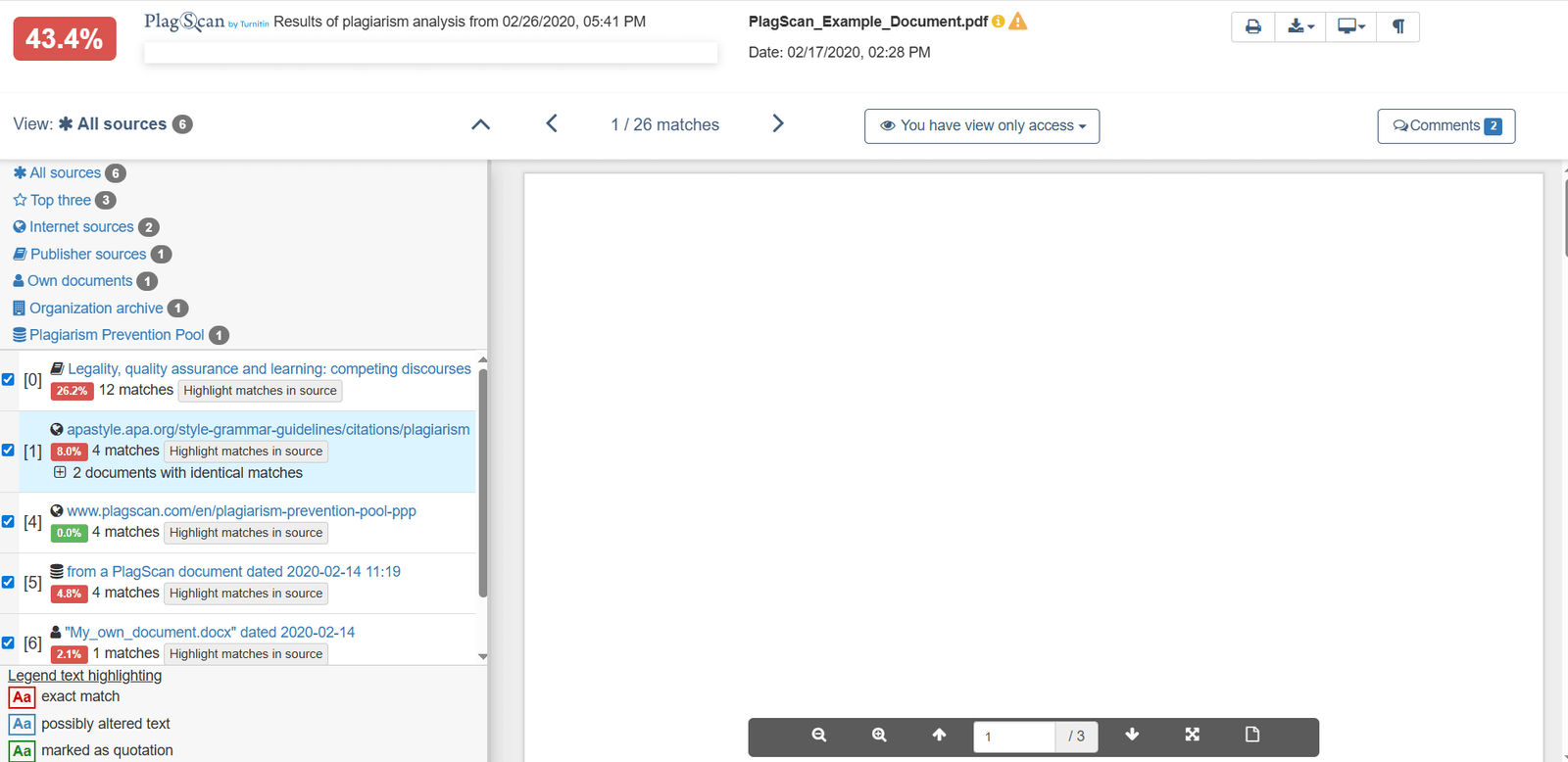
Best for: Serious students and businesses who need an intense, terrifyingly detailed PDF report.
- Free version: They hand you a generous 2,000-word free trial that actually lets you upload full documents.
- Pros: It checks against heavy academic databases, not just random blogs. It easily handles big PDF and Word files.
- Cons: It is just a trial. Once you burn through those 2,000 words, you are done until you pay.
- Privacy: Excellent. They actually give you a button to explicitly opt out of storing your document on their servers.
4. SmallSEOTools Plagiarism Checker
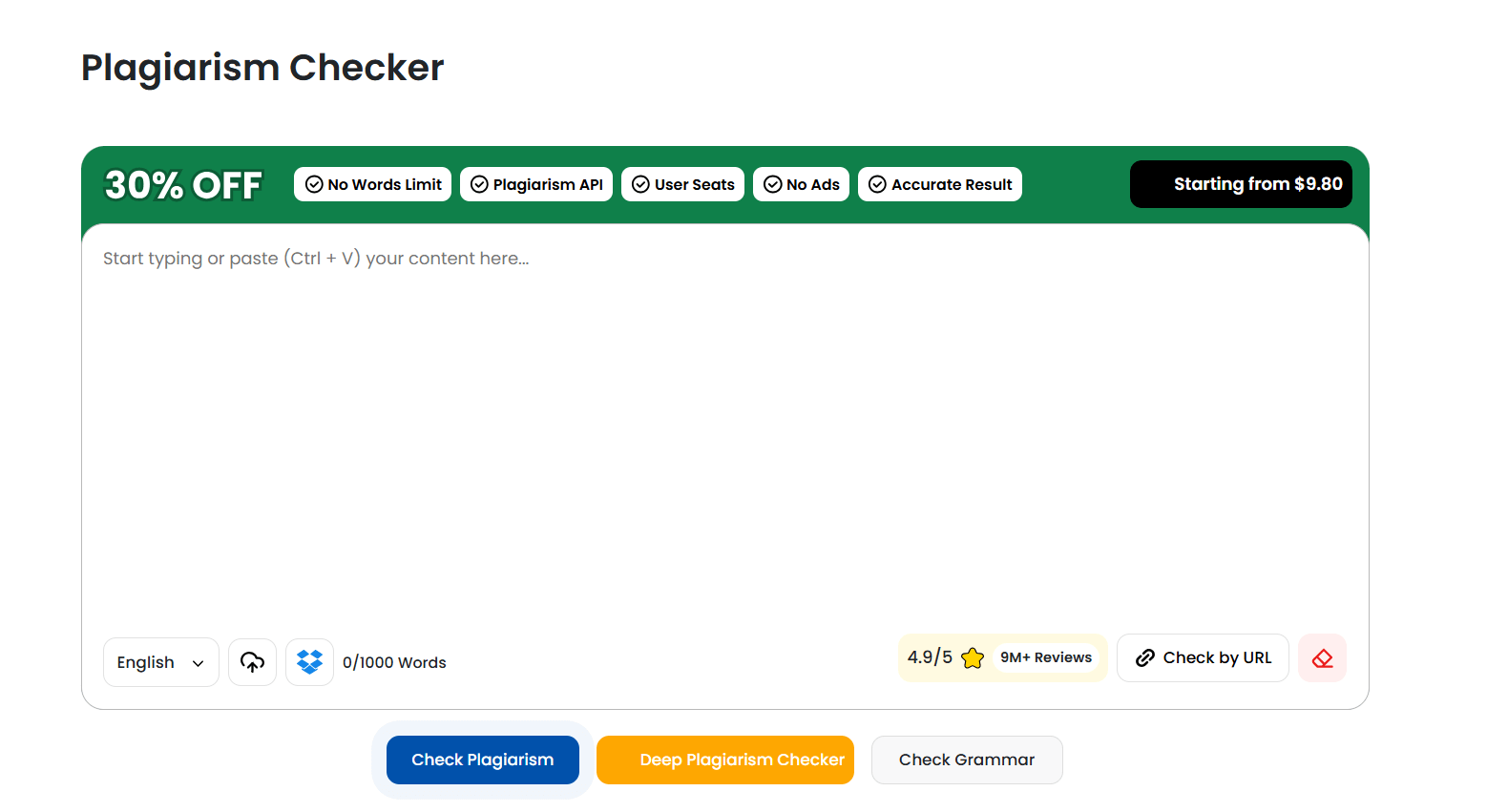
Best for: Broke freelance writers and bloggers who need to run 50 checks a day for free.
- Free version: 1,000 words per scan, but you can use it an unlimited number of times every single day.
- Pros: You don't even need to make an account. Just paste the text. It also lets you check URLs directly.
- Cons: The website is absolutely plastered with annoying, flashing banner ads. The database is also strictly web-based (no private academic journals).
- Privacy: They claim they wipe your data immediately, but honestly, always read the fine print on heavy-ad sites.
5. Plagiarism Detector
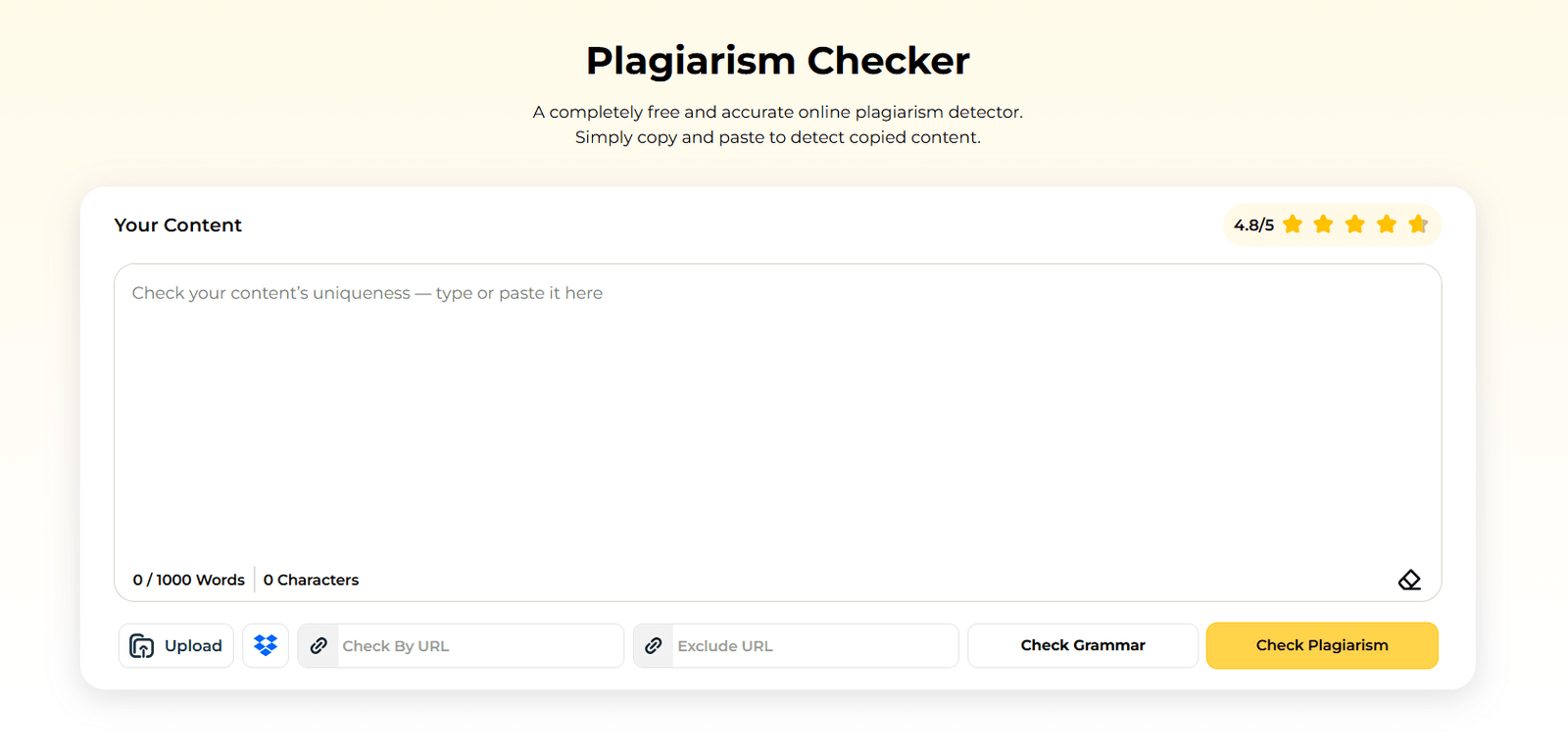
Best for: When you need a fast, side-by-side view to see exactly who you accidentally copied.
- Free version: Standard 1,000-word limit. It aggressively highlights your mistakes and hands you the source URLs.
- Pros: It is stupidly fast and the reporting dashboard is incredibly easy to read.
- Cons: Again, the ads are obnoxious, and it won't catch someone copying from an obscure offline textbook.
- Privacy: They explicitly state that your text is destroyed the second the scan finishes.
6. Duplichecker
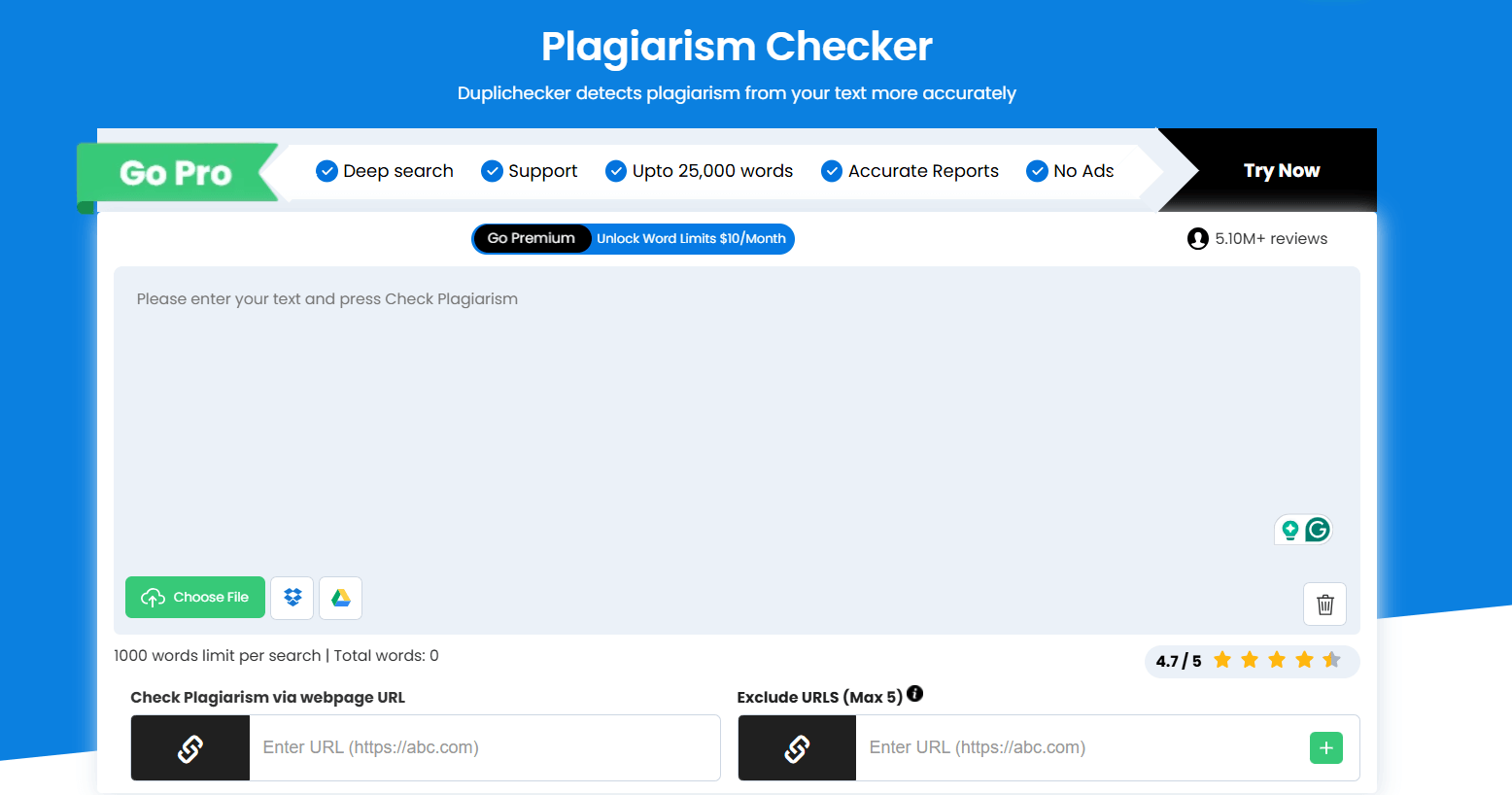
Best for: Content marketers who have folders full of .txt and .docx files they need to check quickly.
- Free version: 1,000 words per check, but you can run it endlessly all day long.
- Pros: No forced sign-ups, and the file upload feature is incredibly smooth for a free tool.
- Cons: It feels a bit clunky, and yes, more banner ads.
- Privacy: Their policy guarantees they don't save or sell your articles to third parties.
7. Search Engine Reports Plagiarism Checker
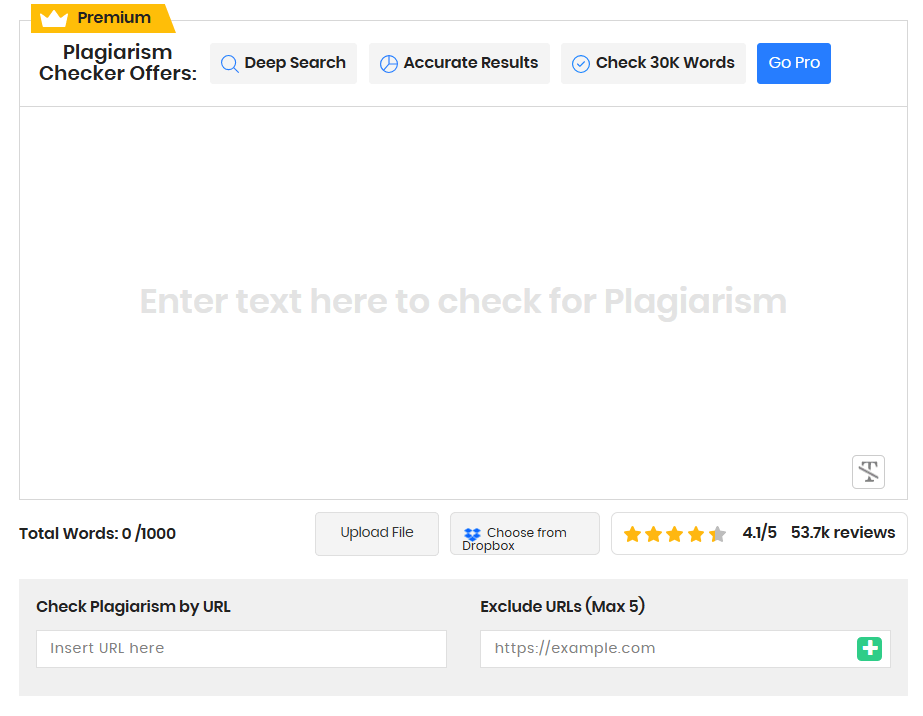
Best for: Teachers checking quick homework assignments in bulk without spending a dime.
- Free version: A slightly beefier 1,500-word limit per scan. Unlimited usage.
- Pros: You can upload files from Dropbox or Google Drive directly. The final percentage breakdown is very clean.
- Cons: Heavy ads, and it sometimes misses deeply buried academic plagiarism.
- Privacy: They promise that your text is wiped from their servers instantly.
8. Copyleaks Free Plagiarism Checker
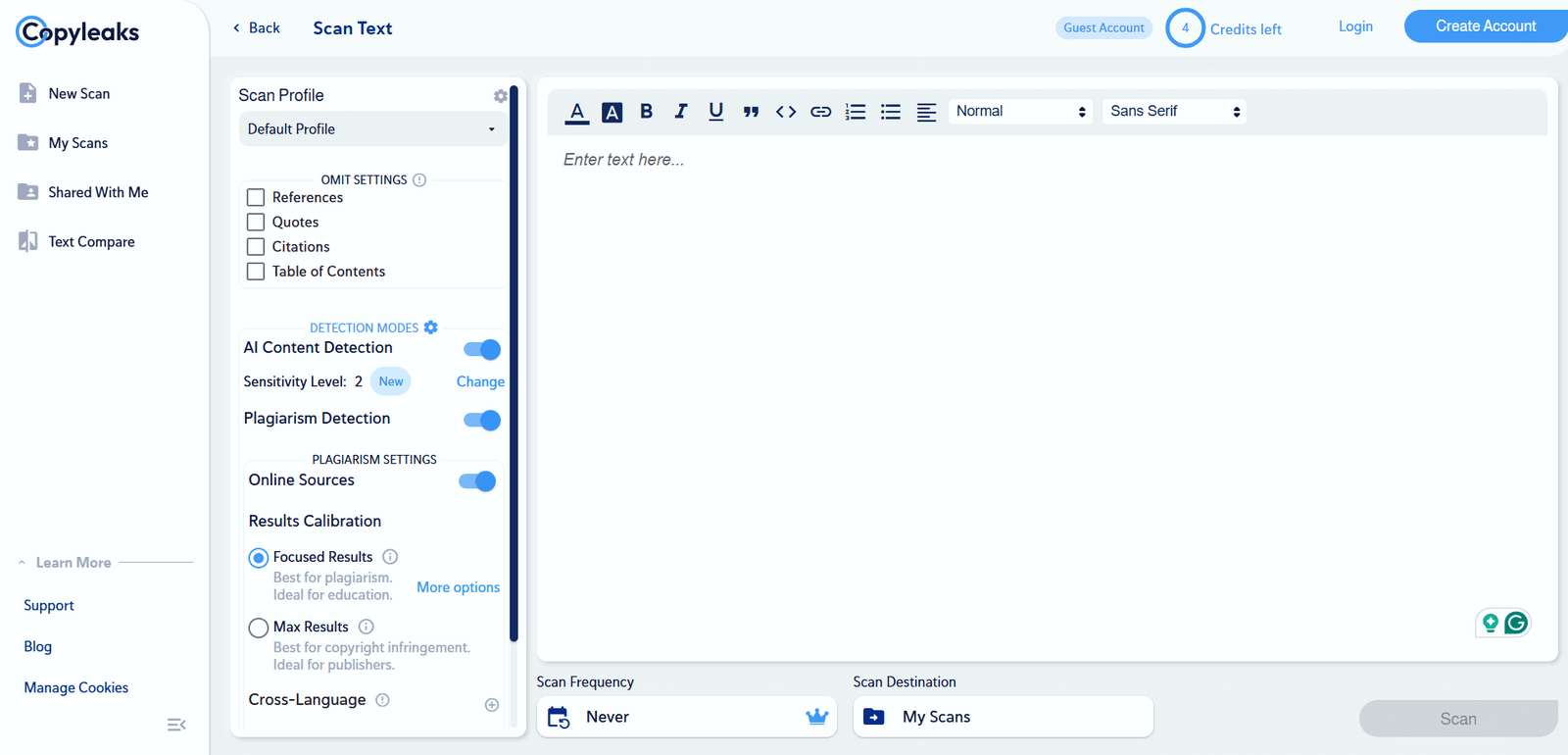
Best for: Anyone terrified that their writers are secretly using ChatGPT.
- Free version: You get 10 heavy-duty scans a month, but it includes their legendary AI detection.
- Pros: It doesn't just look for copied text; it aggressively hunts down AI-generated content. It also supports tons of foreign languages.
- Cons: 10 scans disappear fast, and you have to create an account to use it.
- Privacy: Highly secure. They are fully GDPR compliant and don't permanently hoard your uploads.
9. PaperRater
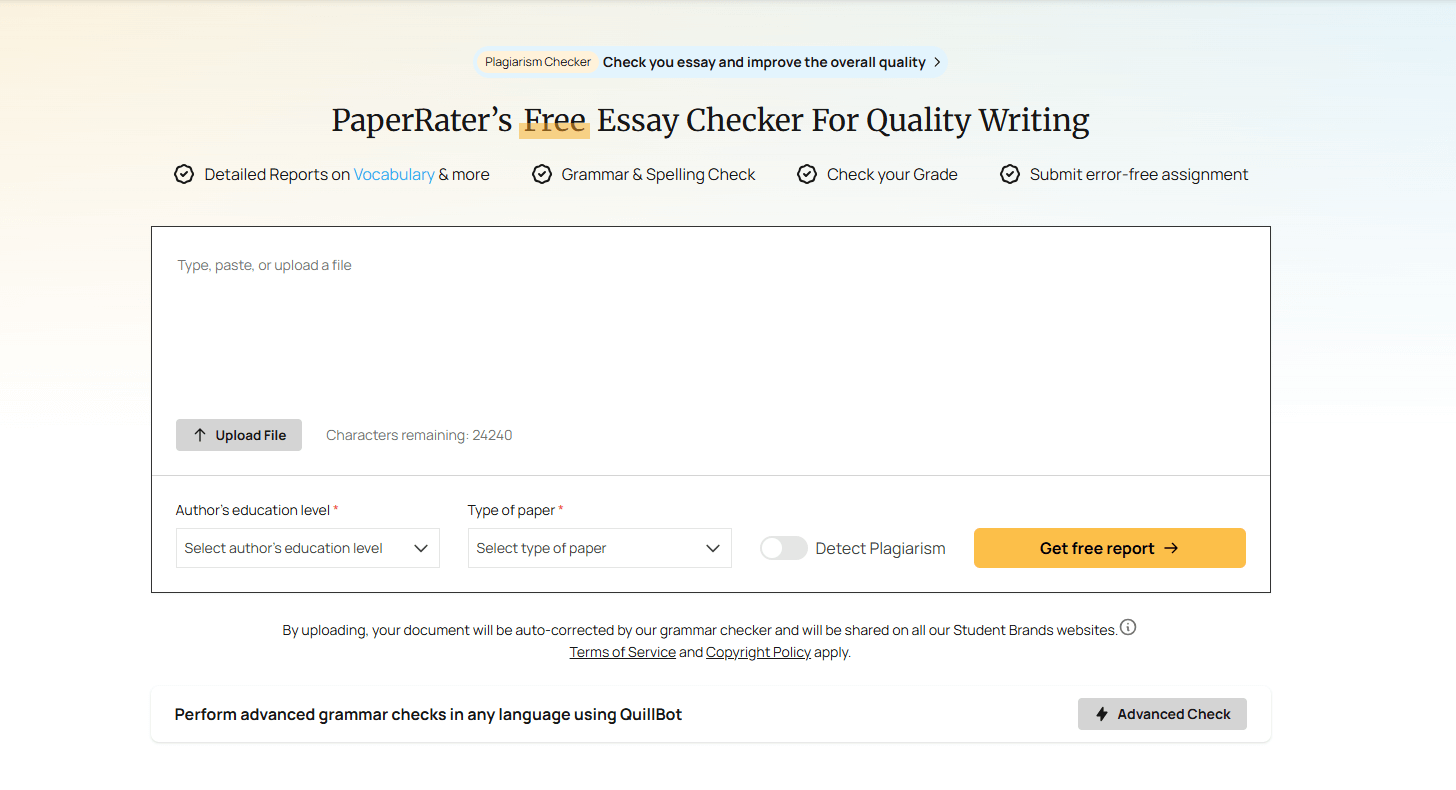
Best for: High school and college students looking for an all-in-one proofreader before midnight.
- Free version: Unlimited checks that bundle spelling, terrible grammar, and plagiarism into one messy report.
- Pros: Zero registration. It actually gives you automated writing advice on top of the plagiarism check.
- Cons: The database is incredibly weak compared to tools like Plagscan. It will absolutely miss obscure academic journals.
- Privacy: Completely standard. They do not store or republish your essays.
10. Plagiarism Checker by PrePostSEO
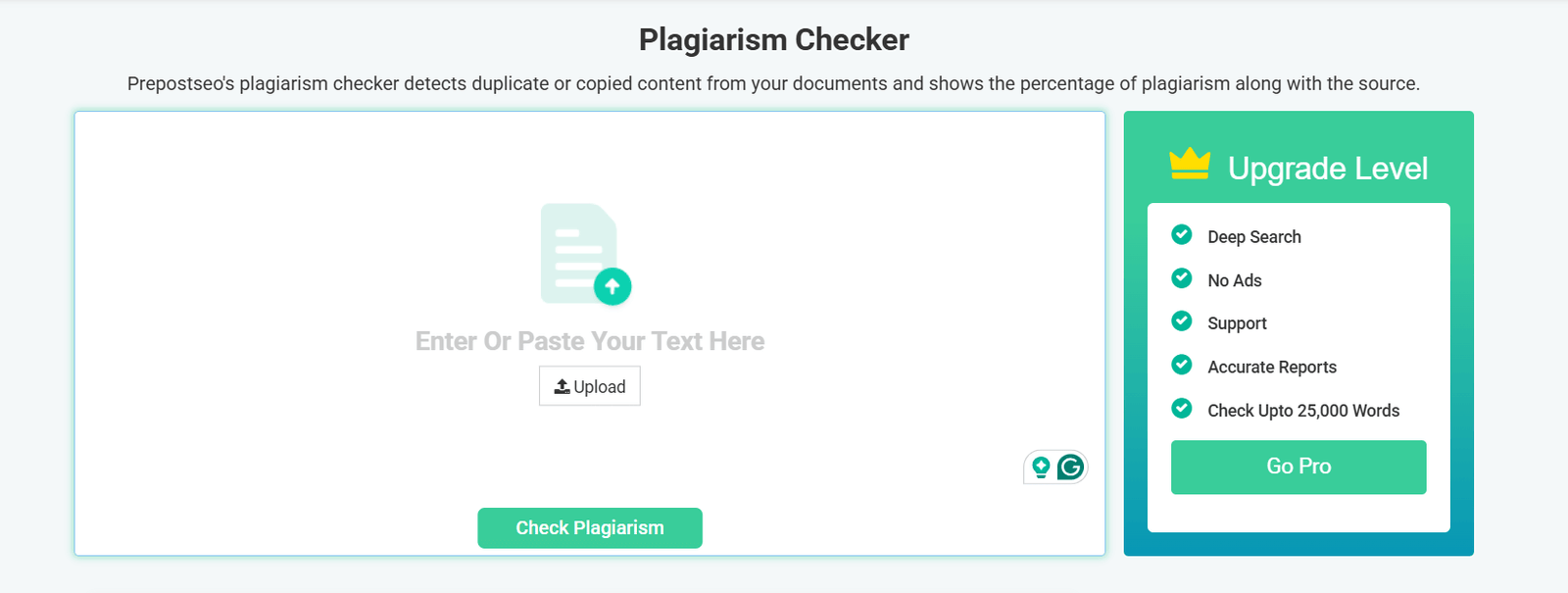
Best for: Hardcore bloggers who want to make sure no one is stealing their published content.
- Free version: 1,000 words per scan. Endless usage for guest bloggers.
- Pros: It actually does a surprisingly deep web search and handles file uploads perfectly. The source reporting is highly accurate.
- Cons: The website is visually noisy with ads.
- Privacy: Standard claims that they do not store, share, or sell your hard work.
Further reading: If you are completely paranoid about digital privacy and hate getting tracked, take a detour and read our guide to the Best Search Engines Other Than Google.
How to Choose the Best Free Plagiarism Checker
Stop overthinking it. You don't need to try all ten. Just pick the tool that matches your actual daily workflow:
- Database size: If you are writing a massive university thesis, a tool that only scrapes random blogs won't save you. You need a tool with academic access (like Plagscan). If you are just checking a blog post, SmallSEOTools is totally fine.
- Privacy policy: I cannot stress this enough. If you are uploading unannounced corporate press releases or an unpublished novel, use a tool that explicitly guarantees they destroy your data instantly.
- Word count limits: Don't try to paste a 10,000-word ebook into a tool with a 500-word cap. It will drive you insane. Pick a tool that supports bulk file uploads if you write long-form content.
- Reporting features: If the tool just says "20% Plagiarized" but refuses to show you exactly which sentence triggered it, it is completely useless to you.
- File support: If you strictly work in PDF or Microsoft Word, pick a tool that lets you drag and drop files instead of forcing you to copy and paste text.
- Ads and user experience: If flashing casino ads ruin your focus, skip the entirely free tools and use the limited free tiers of premium tools like Quetext.
Pro tip: If your job or grade depends on this document, never trust just one free tool. Run the text through two completely different checkers just to be safe. They use different databases.
Free Plagiarism Checker vs. Premium Tools: What’s the Difference?
Look, free tools are fantastic for a quick sanity check, but there is a reason universities pay millions for the premium stuff. Here is the brutal reality of what you are missing:
| Feature | Free Tools | Premium Tools |
|---|---|---|
| Database size | Highly limited (usually just basic public web pages) | Terrifyingly massive (crawls paid journals, books, and private student databases) |
| Word count | Usually throttled between 500 and 2,000 words per check | Basically unlimited. You can scan a 100,000-word manuscript in seconds |
| Reporting | Basic yellow highlights and a few random source URLs | Beautiful, exportable side-by-side comparisons and automatic citation builders |
| Privacy | A total mixed bag. You really have to read the fine print | Ironclad, GDPR-compliant privacy. Absolute institutional lockdown |
| Support | Basically non-existent. Good luck emailing them | Priority live chat and direct integrations into your school's grading software |
If you are a student writing a master's thesis, or a lawyer drafting a brief, just pay for a premium tool like Turnitin or iThenticate. But if you are a freelancer turning in a 500-word blog post about dog food? The free tools on this list are more than enough.
Privacy and Security: What You Need to Know
Please stop blindly pasting sensitive corporate documents into random websites. Before you hit scan, ask yourself these questions:
- Does this random website actually store my text on their servers?
- Are they quietly adding my original essay into their public database so the next guy gets flagged?
- How long do they hold onto my data before deleting it?
- Do they even mention GDPR or CCPA compliance anywhere on the site?
If you are working on something highly confidential (like an unpublished book or financial data), only use premium offline tools or services that give you a legal guarantee that your data is wiped.
Further reading: If you are worried about digital theft, you should probably read our weird but important guide: Does Copyright Apply To Screenshot Images?
How to Use a Free Online Plagiarism Checker: Step-by-Step
- Choose your tool: Grab a reputable checker from the list above. Stop using weird links from page 4 of Google.
- Prepare your text: Make sure your file is actually supported (usually .doc, .pdf, or plain .txt).
- Paste or upload: Drop your text into the big empty box on the screen, or hit the upload button.
- Start the scan: Click the massive "Check Plagiarism" button and stare at the loading bar for 30 seconds.
- Review results: Don't panic if it says 5%. Look at the highlighted text. Is it just a common phrase like "Once upon a time"? Ignore it. Click the source links to verify actual theft.
- Revise as needed: If you accidentally copied a paragraph, rewrite it completely in your own voice, or just put quotation marks around it and add a link. Then, run the scan again.
Pro tip: Do this before your final edit. It is incredibly frustrating to perfectly format a Word document, only to have to tear it apart because you failed a plagiarism check at the last second.
Who Should Use Free Online Plagiarism Checkers?
- Paranoid Students: To guarantee their essays and late-night research papers don't accidentally trigger the professor's Turnitin software.
- Exhausted Teachers: To quickly figure out if a student actually wrote that brilliant paragraph, or just copied it from Wikipedia.
- Bloggers & SEO Writers: To absolutely ensure Google doesn't hit their site with a brutal duplicate content penalty.
- Anxious Business Owners: To verify that the expensive freelance writer they just hired didn't just copy and paste an article from a competitor.
- Academics: To double-check that their new study doesn't accidentally mirror an obscure paper published ten years ago.
- Editors: To provide their clients with an unshakeable guarantee that the content is 100% original.
Tips for Avoiding Plagiarism in 2026
- Cite your sources immediately: Do not tell yourself "I'll add the link later." You will forget. Add the APA or MLA citation the exact second you type the quote.
- Paraphrase like a human: Don't just take a stolen sentence and swap out three words using a thesaurus. The algorithms easily catch that. Read the source, close the tab, and write the idea from memory.
- Keep your notes organized: Use tools like Notion or Evernote to keep your rough research strictly separated from your actual drafting document.
- Check yourself constantly: Don't wait until you have written a 5,000-word monster. Run a quick scan after every major section.
- Know the actual rules: Every single university and publisher has a totally different definition of what constitutes plagiarism. Find their handbook and read it.
Further reading: Want to know how to actually write amazing content without stealing it? Dig into our massive playbook on Keyword Research.
Limitations of Free Plagiarism Checkers
Let's not kid ourselves; these free tools are not magic bullets. Here is where they usually fall flat on their face:
- Massive blind spots: They almost exclusively check public websites. They cannot see inside paid, locked academic journals or private student databases.
- Annoying word caps: Trying to check a long essay 1,000 words at a time is a miserable experience.
- Zero citation help: A free tool will tell you that you stole a quote, but it won't help you actually build the correct APA citation to fix it.
- Ad overload: The pop-ups and banner ads can completely ruin your workflow.
- Translation loopholes: If someone takes a Spanish article, translates it to English, and publishes it, most free checkers are totally blind to it.
Again, if your career or your degree is on the line, just bite the bullet and buy a premium subscription.
Plagiarism Checker FAQ
Are free plagiarism checkers actually as accurate as the paid ones?
Honestly? No. Free tools are decent for a quick sanity check on a blog post, but they lack the massive, private databases that paid tools (like Turnitin) pay millions of dollars to access. For high-stakes academic papers, you should run your text through multiple free tools, or just pay for a month of premium software.
Is it genuinely safe to upload my private document to these free websites?
Most of the major players (like the ones on our list) have strict policies against hoarding your data. But seriously, read the fine print. If you are uploading unreleased financial data or a proprietary script, only use a heavily encrypted, premium tool that legally guarantees your file is destroyed after the scan.
Can these checkers actually catch ChatGPT and AI-generated text?
Some of the cutting-edge tools, like Copyleaks, have bolted on dedicated AI-detection algorithms. But let's be real: AI detection is still incredibly messy and throws a lot of false positives. Use it as a warning sign, but always manually review the text before accusing someone of using AI.
Okay, it found plagiarism. How do I actually fix it?
Don't panic. If it's a direct quote, just slap quotation marks around it and add a proper link or citation. If it's an idea you accidentally copied too closely, delete the entire sentence and rewrite the concept completely in your own natural voice. Run the scan one more time to make sure you cleared the warning.
Ready to Check Your Content?
Look, free online plagiarism checkers are an absolute necessity in 2026. Whether you are a stressed student, a tired editor, or a business owner trying to protect your SEO, these tools are the only way to catch accidental duplication before it ruins your reputation.
Stop guessing. Pick a reputable tool from the list above, dump your text in, and stare at the results. If it's a high-stakes document, run it through two different websites just to be safe. It literally takes 30 seconds, and it could save your entire career.
Remember: Originality isn't just about dodging a Google penalty. It is about actually proving you are an expert, building real trust with your audience, and creating something that actually deserves to rank.
If you want to keep building a completely bulletproof digital brand, you should probably spend a few minutes reading through our guides on How To Get Backlinks For Your Website and demystifying the Difference Between Article And BlogPosting Schema Markup With Code Examples.