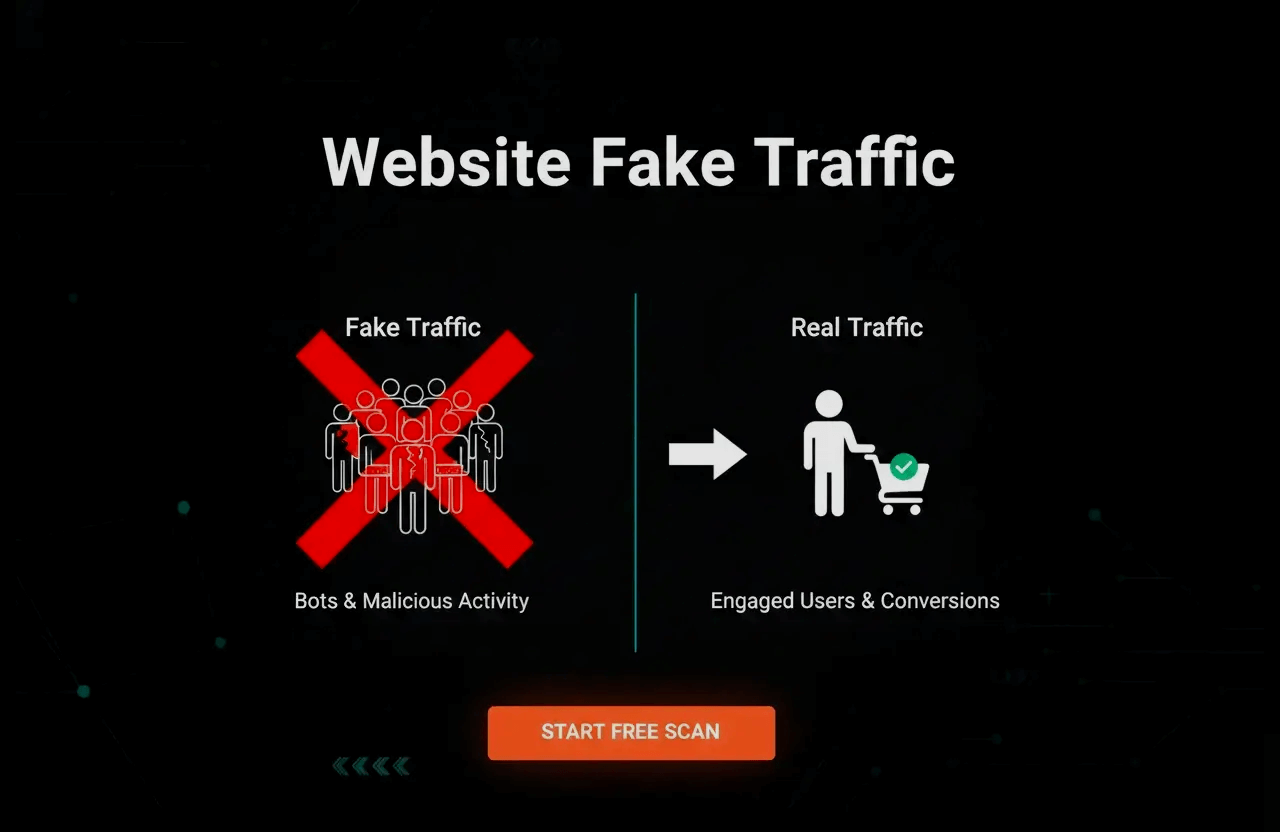
Let's get one thing straight right out of the gate: not every "visitor" showing up on your Google Analytics dashboard actually has a heartbeat. In fact, a terrifyingly massive chunk of modern internet traffic is entirely fake—just a chaotic mix of automated bots, overseas click farms, and straight-up scammers trying to drain your ad budget.
Whether you are running a humble personal blog, managing a massive ecommerce store, or burning thousands of dollars on Facebook ads, you absolutely need to know how to spot fake traffic. These phantom visitors don't just mess up your data; they burn a hole in your wallet and can actually get your site permanently banned from premium ad networks.
Consider this your ultimate survival guide. We are going to rip apart the exact methods used to figure out if a website is being pumped full of fake traffic. We'll show you the glaring red flags you are probably ignoring, and give you the exact, no-nonsense steps to lock down your site and protect your business.
Quick tip: Think fake traffic only targets massive corporate brands? Think again. Scammer bots and automated scripts blindly attack brand new blogs and tiny websites every single day. You cannot afford to ignore your analytics dashboard.
What Exactly Is Fake Website Traffic?
At its absolute core, fake traffic is exactly what it sounds like: ghost visitors. It refers to any website hit generated by a non-human source. Instead of a real person reading your article or buying your product, it's just lines of code hitting your server.
Sometimes this is highly intentional (like a shady competitor buying fake clicks to ruin your ad metrics), and sometimes it's totally unintentional (like a random scraper bot crawling your site to steal your prices).
- Bot traffic: Mindless, automated software programs that ping your website, usually hitting your server hundreds of times a second with aggressive, predictable patterns.
- Click farms: Sweatshops filled with cheap smartphones, or massive server racks, designed to artificially inflate clicks, likes, or page views.
- Referral spam: Annoying fake visits from totally unrelated websites. They show up in your analytics hoping you'll get curious and click back to their spammy site.
- Ad fraud: The most expensive kind. Bots designed specifically to click on your paid Google or Facebook ads, literally stealing your marketing money without ever intending to buy anything.
Further reading: The money lost here is insane. The Interactive Advertising Bureau (IAB) estimates that ad fraud bleeds billions from businesses every single year. See the brutal numbers in the IAB Internet Advertising Revenue Report.
Why Fake Traffic Is a Massive Problem
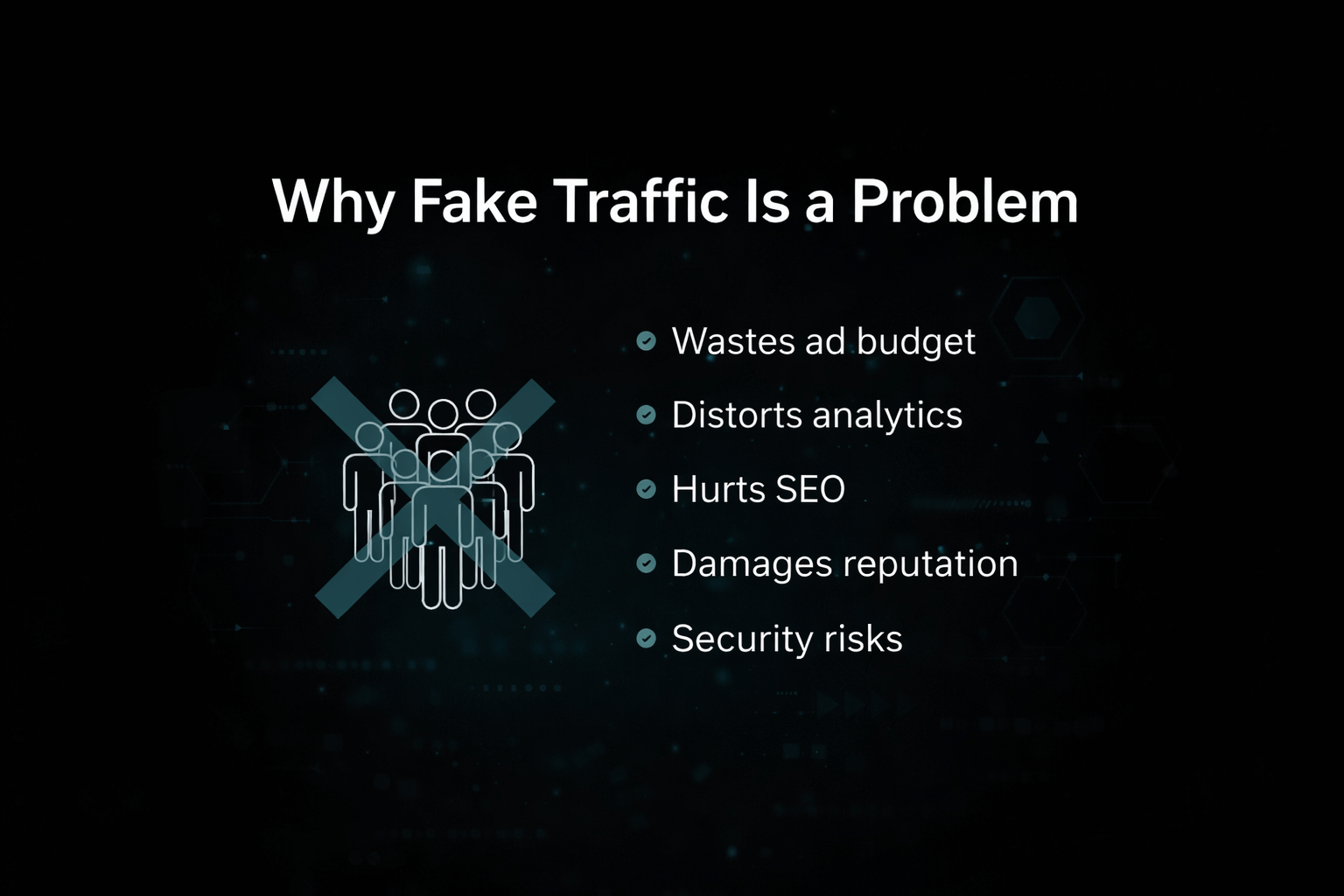
- It literally burns your ad budget: If you are running paid ads, you are paying real cash for clicks that are generated by a script. It's like throwing money into a fire.
- It completely breaks your analytics: If 60% of your traffic is bots, you have no idea what your actual human conversion rate is. Your data becomes useless.
- It actively hurts your SEO: Google's algorithms are incredibly smart. If they see massive spikes of useless traffic bouncing off your site instantly, they will penalize your rankings.
- It ruins your reputation: If you try to sell a sponsored post or flip your website, and the buyer discovers your traffic is mostly fake, the deal is dead instantly.
- Serious security risks: Bots aren't just annoying; they are often actively trying to hack your login pages, steal your content, or scrape your customer data.
Case study: Don't think this is a rare issue. DoubleVerify ran the numbers and found that nearly 17% of all global ad traffic was straight-up fraudulent or invalid. Source: DoubleVerify Resources.
How to Spot Fake Traffic in Your Analytics
You don't need to be a coding genius to spot this stuff. You just need to know what a fake footprint looks like in your analytics dashboard. Watch out for these massive red flags:
1. Sudden, Completely Unexplained Traffic Spikes
If your website normally gets 200 visitors a day, and it randomly jumps to 8,000 visitors on a random Tuesday without a viral tweet or a major ad campaign backing it up, you are being hit by bots. Real traffic builds; fake traffic explodes instantly.
2. Terrifyingly High Bounce Rates
Bots do not stick around to read your beautifully crafted 2,000-word article. If your dashboard shows a 99% bounce rate and an average session duration of zero seconds, those aren't humans.
3. Bizarre Geographic Locations
Are you running a local plumbing business in Chicago, but suddenly getting 5,000 hits a day from a server farm in a country you don't even service? That is 100% automated fake traffic.
4. Referral Traffic from Sketchy Sources
Dig into your "Referrals" tab. If you see thousands of visits coming from weird, broken URLs, cheap directory sites, or domains promoting crypto scams, you are getting hit by referral spam.
5. Massive Bursts of "Direct" Traffic
While having some direct traffic (people typing your URL) is normal, a sudden, massive wave of direct hits with absolutely no referring source is a classic signature of a botnet running an automated script.
6. Copy-Paste User Agents and IP Addresses
If you dig deeper into your server logs and see 800 visits happening at the exact same second, all using the exact same outdated version of Mozilla Firefox from the exact same IP block, that is a bot.
7. Absolute Zero Engagement
Fake visitors don't scroll down, they don't click buttons, and they definitely don't fill out email capture forms. If your traffic is through the roof but your engagement events are flatlining, you have a ghost problem.
Pro tip: Don't just look at the overview page. Dive into Google Analytics’ advanced segments to isolate weird geographic areas and see if the engagement metrics drop to zero.
Common Sources of Fake Traffic
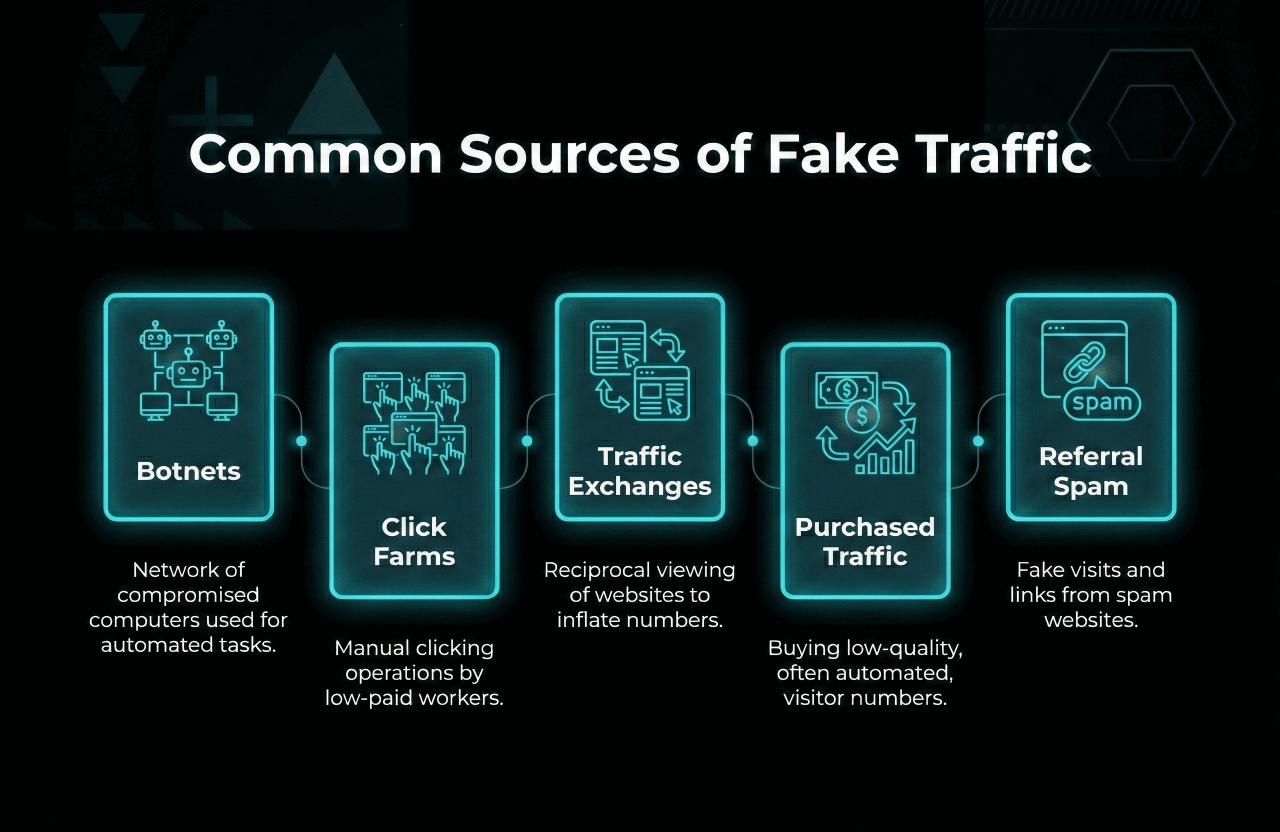
- Botnets: Massive networks of hacked, infected computers that hackers use to flood websites with fake visits without the computer owners even knowing.
- Click farms: Actual warehouses full of cheap devices and automated software, explicitly hired to click on links and inflate metrics artificially.
- Traffic exchanges: Shady rings where desperate website owners basically trade fake views with each other using automated browser extensions.
- Purchased "Guaranteed" traffic: If you buy a $10 package on Fiverr that promises "100,000 real human visitors," you are buying bots. Period.
- Referral spam bots: Scripts designed to aggressively ping your site just so their URL shows up in your analytics, hoping you get curious and click it.
Seriously, never buy cheap traffic packages. It will destroy your site's reputation.
Further reading: Want to know how to actually get real humans to visit your site? Read our brutal guide on How To Get Backlinks For Your Website.
Tools and Methods to Detect Fake Traffic
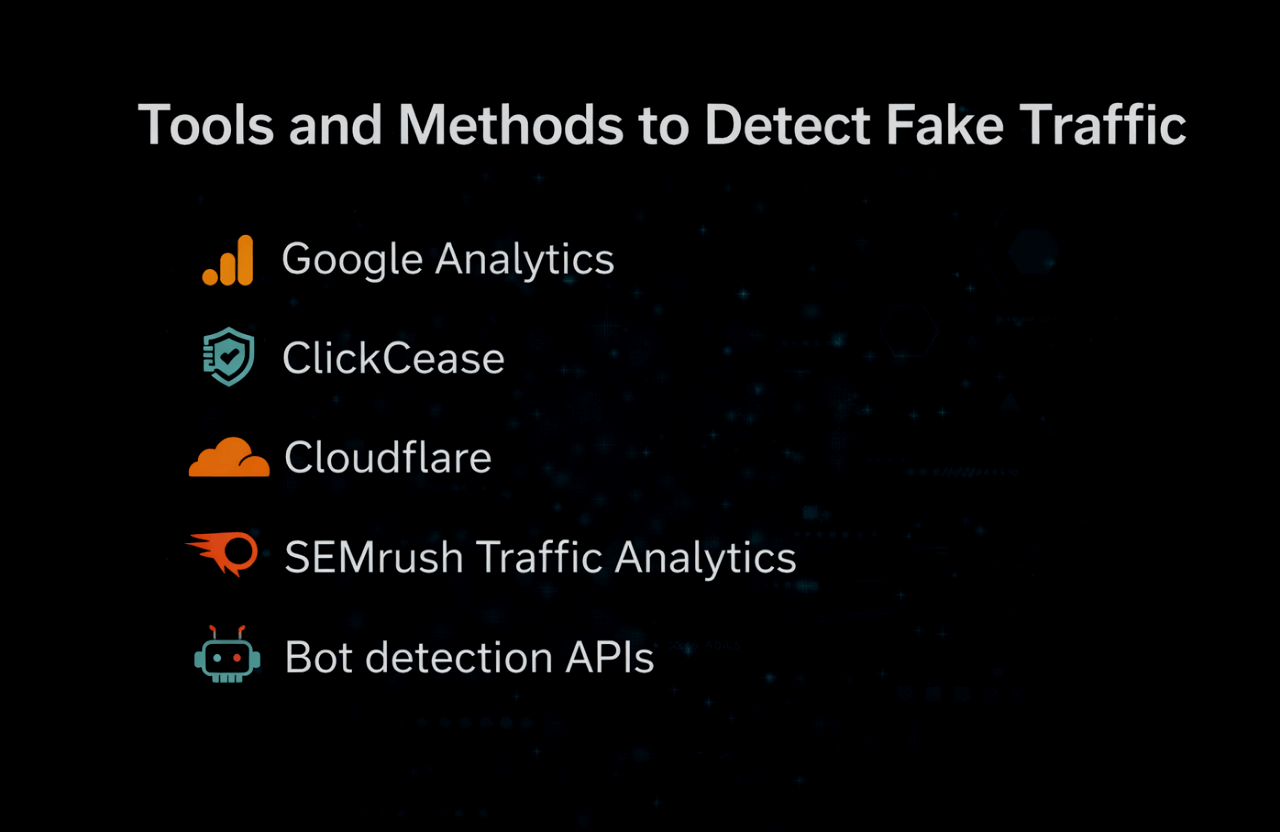
You can't sit there and manually block IP addresses all day. You need actual software to fight this war for you:
- Google Analytics: It has built-in bot filtering options. Turn them on. Use custom segments to filter out known spam referrers.
- ClickCease: If you run Google Ads, this tool is mandatory. It aggressively detects and blocks click fraud so your budget doesn't get drained by competitors.
- Cloudflare: Basically a digital bouncer for your server. Turn on "Bot Fight Mode" to instantly filter out the most obvious automated attacks.
- SEMrush Traffic Analytics: Incredible for looking at the actual quality of your traffic sources. Don't have it? Grab a SEMrush Free Trial and run an audit today.
- Heavy-Duty APIs: If you run a massive enterprise site, services like DataDome or PerimeterX use advanced machine learning to block sophisticated bots in real-time.
How to Actually Use Google Analytics to Spot the Fakes
- Navigate over to Audience > Technology > Network and scan for incredibly weird ISPs or server hosting companies rather than normal internet providers.
- Open Acquisition > All Traffic > Source/Medium and ruthlessly hunt down unknown, spammy-looking referrers.
- Build custom Segments to completely isolate and analyze traffic coming from high-risk countries that you don't do business in.
- Go into your View Settings and make sure the "Exclude all hits from known bots and spiders" checkbox is actually ticked.
Pro tip: Spammers change their tactics weekly. You need to routinely audit your exclusion lists and filters to make sure the new stuff isn't slipping through.
How to Prevent and Block Fake Traffic
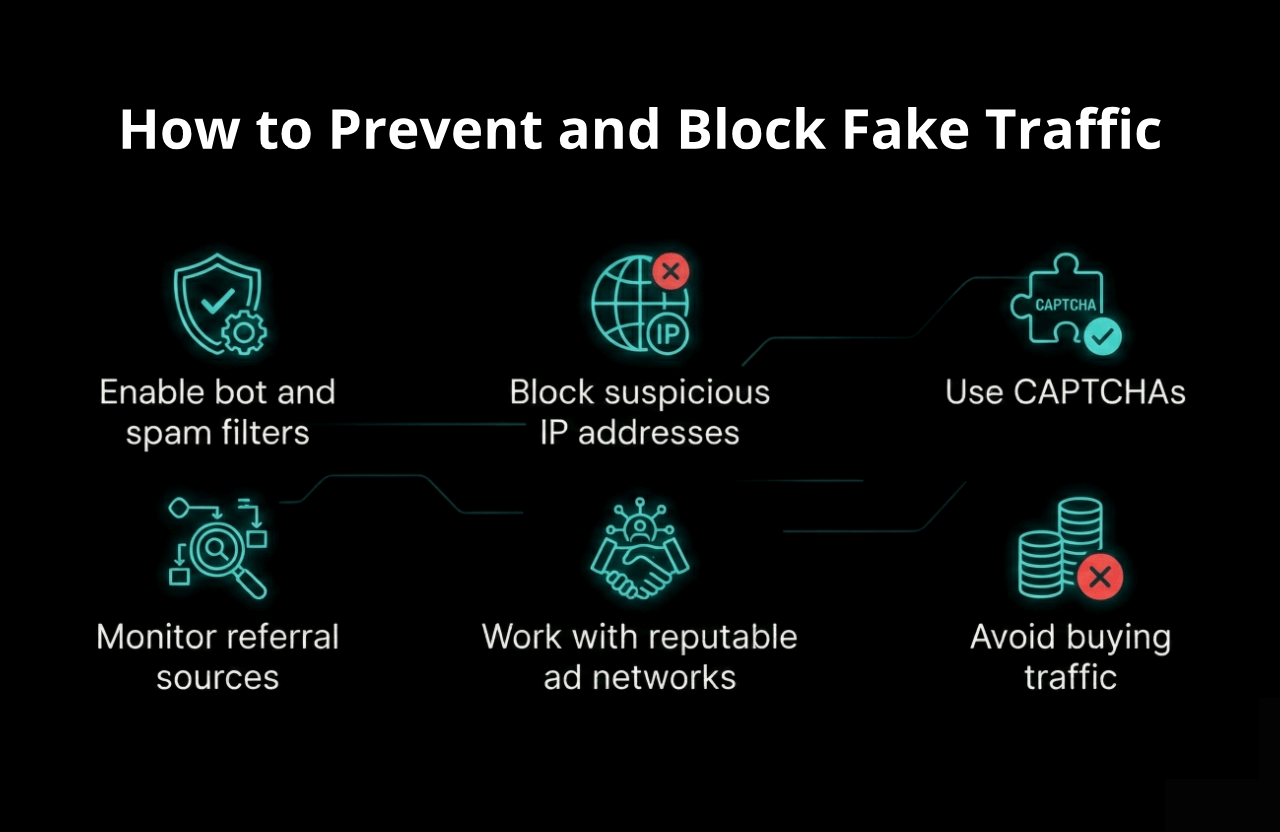
- Flip the switch on your filters: Ensure bot filtering is active on your host and inside your analytics dashboard.
- Ban the bad actors: If a specific IP address is hitting you 500 times a minute, block it directly in your firewall or via your .htaccess file.
- Make them prove they are human: Put invisible reCAPTCHA on your login screens and contact forms to instantly stop automated script submissions.
- Clean up your referrers: Actively monitor your referral sources and add spammy domains to your exclusion list.
- Stop using cheap ad networks: Stick to reputable partners who actually have millions invested in fraud detection systems.
- Never, ever buy traffic: Just don't do it. There is no such thing as a legitimate "traffic package" sold for pennies.
Further reading: Trying to get your site set up properly from day one? Don't skip our SEO for New Website Checklist.
Fake Traffic and AdSense or Affiliate Programs
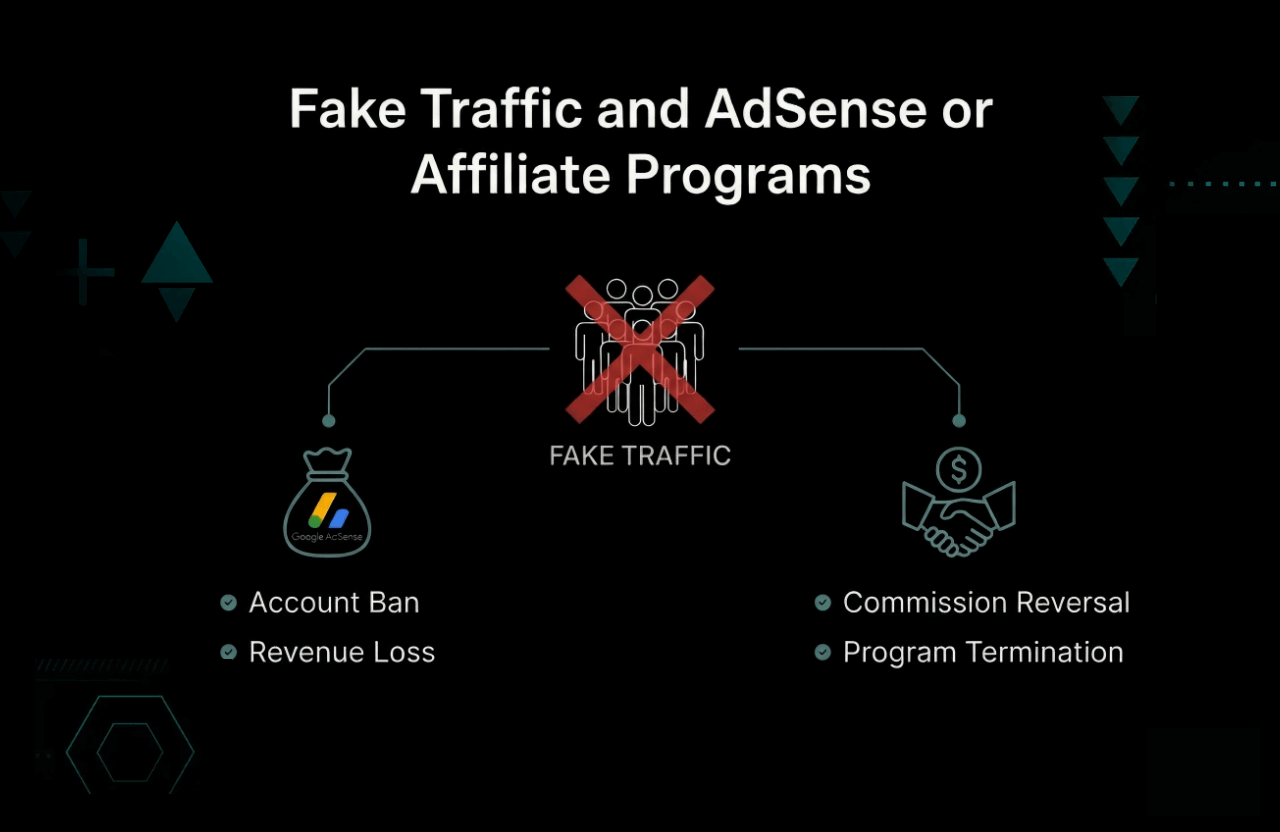
Listen to me very carefully: Google AdSense and premium affiliate networks do not play games with fake traffic. If their algorithms catch your site generating inflated, fraudulent clicks, they will not warn you. They will instantly ban your account, freeze your money, and blacklist your domain forever.
- Never try to game the system: Buying traffic to artificially boost your ad impressions will result in a lifetime ban. Guaranteed.
- Watch your own back: If you notice a sudden, weird spike in clicks that you didn't earn, proactively report the suspicious activity to your network so they know you aren't the one doing it.
- Read the fine print: Every single ad network has strict rules about what constitutes "invalid traffic." Know the rules.
Further reading: Want to know how to actually get approved and stay approved without resorting to cheap tricks? Read How To Get AdSense Approval.
Case Studies: Real Examples of Fake Traffic
Case 1: The Referral Spam Nightmare
A small consulting site suddenly saw their daily traffic spike by 300% overnight. The owner panicked, thinking an article went viral. But when they checked the analytics, all the traffic was pouring in from a single, weird Russian domain name. The bounce rate was a dead 99%, and nobody stayed longer than 3 seconds. It was classic referral spam. The owner blocked the domain at the server level, filtering it out of their analytics to get their actual conversion data back on track.
Case 2: The Fiverr Traffic Package Disaster
A desperate ecommerce owner paid a freelancer $50 for a "guaranteed 10,000 premium USA visits" package. The traffic flooded the site the next day, exactly as promised. But absolutely zero sales came through. Worse, looking at the analytics revealed that all the hits were actually routed through a cheap proxy server overseas with zero human scrolling. Two days later, Google completely suspended their AdSense account for "invalid traffic." They lost their primary revenue stream trying to take a shortcut.
Case 3: The Brute Force Bot Attack
A popular tech blog noticed a massive spike in "direct" traffic entirely originating from a single block of IP addresses. The bots were loading the pages, triggering ad impressions, and instantly leaving. Recognizing the attack, the site admin quickly routed their traffic through Cloudflare, identified the malicious IPs, and completely banned them before the ad networks could penalize the site.
Best Practices for Ensuring Traffic Quality
- Stare at your analytics: Don't just check it once a month. Set up automated email alerts for any sudden, unnatural spikes or massive drops in traffic.
- Chop up your data: Stop looking at the big "total visitors" number. Segment your data by source, country, and device to easily spot the anomalies.
- Train your staff: Make sure anyone touching your marketing budget actually understands what click fraud looks like so they don't waste money.
- Only work with the big guys: Stick to highly reputable ad networks and premium affiliate programs that actively police their own traffic.
- Stay paranoid: The guys writing these bot scripts get smarter every week. Follow security news so you know what the latest attacks look like.
Pro tip: Believe it or not, bots are often used to scrape and steal your articles. Run your best posts through a plagiarism checker regularly to make sure a bot isn't cloning your website on another domain.
FAQ: Fake Website Traffic
How can I actually prove my competitors are using fake traffic?
You can't definitively prove it without seeing their private analytics, but you can get close. Use tools like SEMrush or SimilarWeb to spy on their traffic sources. If you see sudden, ridiculous spikes that don't correlate to social media buzz, or massive traffic coming from totally irrelevant countries, they are likely buying bots.
Is every single bot hitting my site a bad thing?
Not at all. "Good" bots—like Googlebot or Bingbot—are absolutely necessary. They crawl your site so you can actually show up in the search results. The problem only starts when malicious bots try to mimic humans, steal your data, or artificially inflate your ad clicks.
Will fake traffic actually destroy my SEO rankings?
Yes, it absolutely can. If Google's algorithm detects that thousands of visitors are hitting your site and immediately bouncing away within zero seconds, it assumes your site is terrible. It will aggressively push your rankings down.
Okay, I found fake traffic. What do I actually do right now?
Don't panic. Block the suspicious IP blocks in your firewall (or use Cloudflare). Update your Google Analytics to filter out the junk referrers so your data is clean. Most importantly, proactively notify your ad networks that you are under a bot attack so they don't suspend your account. If you are running paid ads, pause them immediately until you stop the bleeding.
Conclusion: Keep Your Traffic Real
Fake website traffic is a brutal, massive reality of running a business on the internet today. But by knowing exactly what the red flags look like, deploying the right software, and refusing to take cheap shortcuts, you can absolutely protect your site, your data, and your bank account.
Make it a strict habit to audit your analytics dashboard regularly. Stay incredibly paranoid about weird traffic spikes, and always prioritize the quality of your visitors over the raw, vanity numbers.
If you want to stop worrying about bots and learn how to pull in thousands of highly targeted, actual human beings, dig into our heavy-hitting guides on SEO Onpage VS Offpage Optimization and mastering Dofollow vs Nofollow Backlinks.