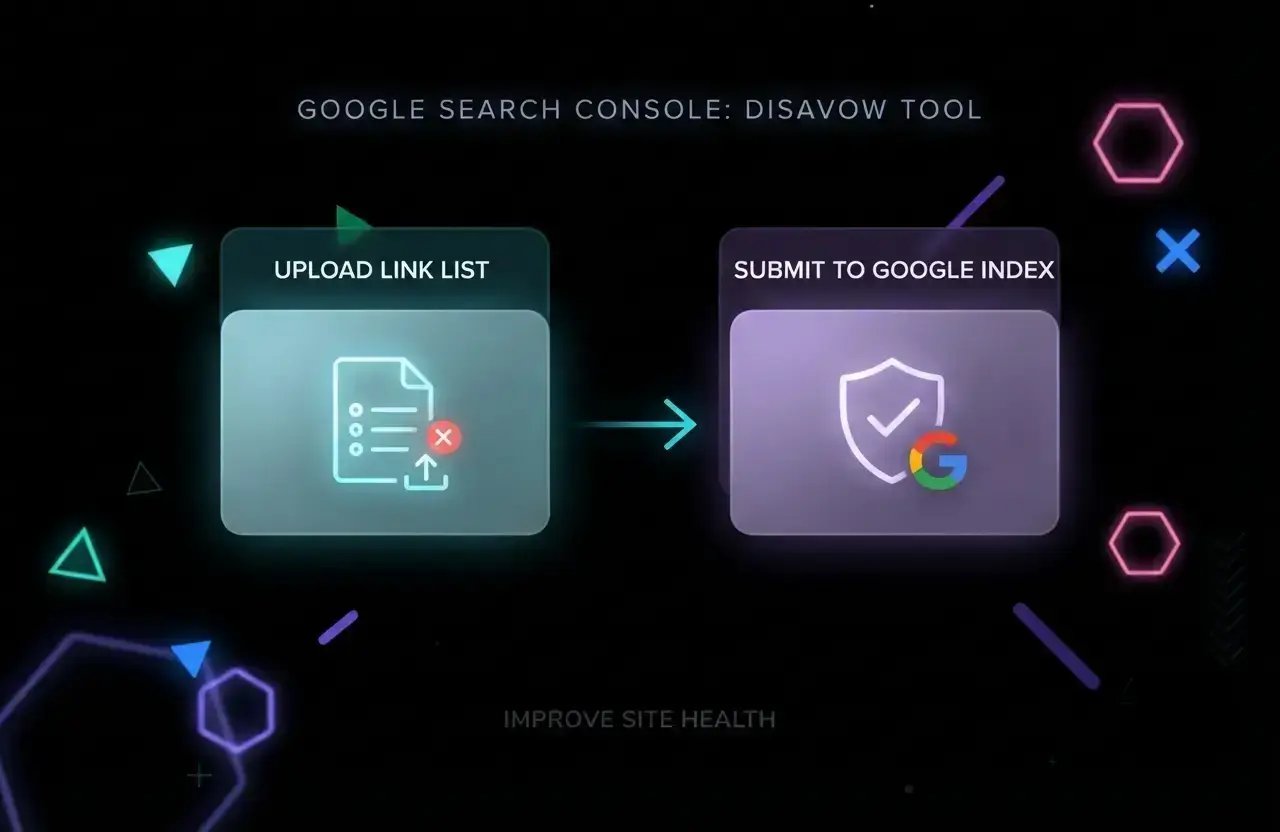
Backlinks are a cornerstone of SEO, but not all links are created equal. In 2026, with Google’s algorithms more sophisticated than ever, the quality of your backlink profile can make or break your rankings. But what happens when your site is targeted by spammy, toxic, or manipulative links you can’t control?
That’s where the Google Search Console disavow tool comes in. It’s a powerful, sometimes misunderstood feature that lets you ask Google to ignore specific backlinks when evaluating your website. Used wisely, it can help you recover from negative SEO, manual actions, or legacy link-building mistakes. Used carelessly, it can damage your site’s authority and visibility.
This guide will demystify the disavow tool: when you should use it, how to prepare a disavow file, the step-by-step process for submitting it, and the risks and best practices every SEO should know in 2026.
Quick note: The disavow tool is not for everyone. Google’s official stance is that most sites should never need it. But for those who do, understanding the process is critical.
What Is the Google Search Console Disavow Tool?
The disavow tool is a feature within Google Search Console that allows webmasters to signal to Google which backlinks should be ignored when assessing their site’s ranking. It was launched in 2012, largely in response to manipulative link-building and negative SEO attacks that could trigger penalties.
When you submit a disavow file, you’re telling Google: “Please don’t count these specific links or domains when evaluating my site.” Google then treats those links as if they don’t exist for ranking purposes.
However, Google’s algorithms have evolved. Today, Google is much better at ignoring low-quality links automatically. The disavow tool is now considered a last resort for situations where manual actions or persistent toxic links are harming your site.
Official resource: See Google’s documentation on the Disavow Links tool for their latest recommendations.
When Should You Use the Disavow Tool?
Google is clear: most sites do not need to use the disavow tool. Their algorithms are designed to ignore spammy or irrelevant links by default. But there are specific scenarios where disavowing is appropriate:
- You’ve received a manual action for unnatural links in Google Search Console
- You have a large number of spammy, artificial, or manipulative backlinks that you can’t remove
- You’re a victim of negative SEO (malicious link-building by competitors)
- You inherited a domain with a toxic link profile from previous owners
- You’ve tried to remove bad links but webmasters are unresponsive
If you’re not facing one of these situations, you likely do not need to disavow. Overuse or misuse of the tool can actually harm your rankings by telling Google to ignore valuable links.
How to Identify Toxic or Harmful Backlinks
Before you even consider disavowing, you must accurately identify which links are actually harmful. Not all low-quality links are dangerous, and Google ignores most spam automatically. Focus on links that are:
- From obvious link farms, paid link schemes, or private blog networks (PBNs)
- Irrelevant, foreign-language, or adult/gambling sites unrelated to your niche
- Sitewide footer or sidebar links from unrelated domains
- Links with over-optimized anchor text (e.g., exact-match keywords)
- Links built as part of manipulative SEO tactics (e.g., comment spam, forum profiles)
Use Google Search Console’s Links report to export your backlink profile. For deeper analysis, consider tools like Ahrefs, SEMrush, or Moz, which can help flag toxic links and provide metrics like Spam Score or Toxicity.
Pro tip: Don’t panic if you see a few spammy links. Every site attracts some. Only act if there’s a pattern or a manual action.
Should You Disavow Individual Links or Entire Domains?
When preparing your disavow file, you can specify either individual URLs or entire domains. Google recommends disavowing at the domain level in most cases, as spammy links often appear across multiple pages of a bad site.
Example syntax:
# Disavow entire domain domain:spamdomain.com # Disavow a specific URL https://spamdomain.com/bad-link.htmlBe careful: Disavowing a domain will ignore all links from that site, including any good ones. Only use this for domains that are entirely spammy.
Step-by-Step: How to Use the Google Disavow Tool
- Export Your Backlink Profile: Download your list of backlinks from Google Search Console or a third-party tool.
- Audit and Classify Links: Review each link for relevance, quality, and intent. Mark links that are truly harmful.
- Attempt Manual Removal: Reach out to webmasters and request link removal. Document your efforts for Google’s records.
- Create Your Disavow File: Open a plain text editor (like Notepad). List one domain or URL per line. Use
domain:for domains. Add comments with#for clarity. - Access the Disavow Tool: Go to the Google Disavow Links tool. Select your verified property.
- Upload Your File: Click “Upload disavow list” and submit your .txt file. Confirm submission.
- Monitor Results: Google will process your file, usually within a few weeks. Check for changes in manual actions and monitor your rankings.
Resource: See Google’s official step-by-step guide: Disavow Links to Your Site.
What Happens After You Disavow Links?
Once you submit your disavow file, Google will begin ignoring the specified links the next time it crawls and indexes them. This process is not instant; it can take days to weeks for changes to be reflected in your rankings or manual actions.
If you disavowed links due to a manual action, you may need to file a reconsideration request. Google will review your efforts to remove or disavow bad links and may lift the penalty if satisfied.
For algorithmic issues, improvements may be gradual as Google reprocesses your backlink profile.
Risks and Pitfalls of the Disavow Tool
The disavow tool is powerful but risky. Common mistakes include:
- Disavowing good or neutral links by accident, harming your authority
- Overusing the tool “just in case,” which can do more harm than good
- Failing to attempt manual removal first (Google prefers you try outreach)
- Disavowing domains that also contain valuable links
- Assuming instant results changes can take weeks or longer
Warning: Only use the disavow tool if you are confident in your analysis. When in doubt, consult with an experienced SEO professional.
Best Practices for Using the Disavow Tool in 2026
- Be selective: Only disavow links that are clearly manipulative, spammy, or harmful.
- Document everything: Keep records of your manual removal requests and reasons for disavowing.
- Use domain-level disavow carefully: Only for domains that are entirely toxic.
- Update your file as needed: If new bad links appear, add them. If you make a mistake, upload a corrected file.
- Monitor your site: Watch for changes in manual actions, rankings, and link profile health.
- Don’t use as a routine SEO tactic: The tool is for exceptional cases, not regular maintenance.
Further reading: For a checklist on new site SEO, see our SEO for New Website Checklist.
Alternatives and Related Tools
Before using the disavow tool, consider these alternatives:
- Manual outreach: Request link removal from webmasters directly.
- Backlink audit tools: Use SEMrush, Ahrefs, or Moz to analyze and monitor your link profile. Try the SEMrush Free Trial for in-depth analysis.
- Plagiarism and spam checkers: Use Plagiarism Checker Free Online Tools to spot duplicate or scraped content issues.
For most sites, focusing on earning high-quality backlinks and building authority is a better long-term strategy than frequent disavowal.
FAQ: Google Search Console Disavow Tool
Is the disavow tool still necessary in 2026?
For most sites, no. Google’s algorithms are better than ever at ignoring spammy links. The tool is only necessary in cases of manual actions, persistent negative SEO, or legacy link issues.
How long does it take for Google to process a disavow file?
It can take anywhere from a few days to several weeks for Google to process your disavow file and reflect changes in rankings or manual actions. Be patient and monitor your site’s status in Search Console.
Can I undo a disavow?
Yes. To undo a disavow, simply remove the URLs or domains from your disavow file and upload the updated version. Google will begin counting those links again after reprocessing.
Will disavowing links improve my rankings?
Disavowing links is not a ranking booster. It is a defensive measure to prevent harm from toxic links. If your rankings dropped due to a manual action or negative SEO, disavowing the right links can help you recover, but it won’t boost rankings by itself.
Recap and Next Steps
The Google Search Console disavow tool is a critical resource for webmasters facing real link-based threats. But it’s not a tool to be used lightly. In 2026, Google’s algorithms are more robust than ever, and most sites will never need to disavow links.
If you do need to use the tool, follow a careful, evidence-based process: audit your backlinks, attempt manual removal, prepare a precise disavow file, and monitor your results. When in doubt, consult with an experienced SEO or digital marketing professional.
For further learning, check out our guides on how to get backlinks for your website and dofollow vs nofollow backlinks to build a healthy, future-proof link profile.
Remember: The best SEO defense is a strong offense focus on earning quality links, producing valuable content, and monitoring your site’s health regularly.