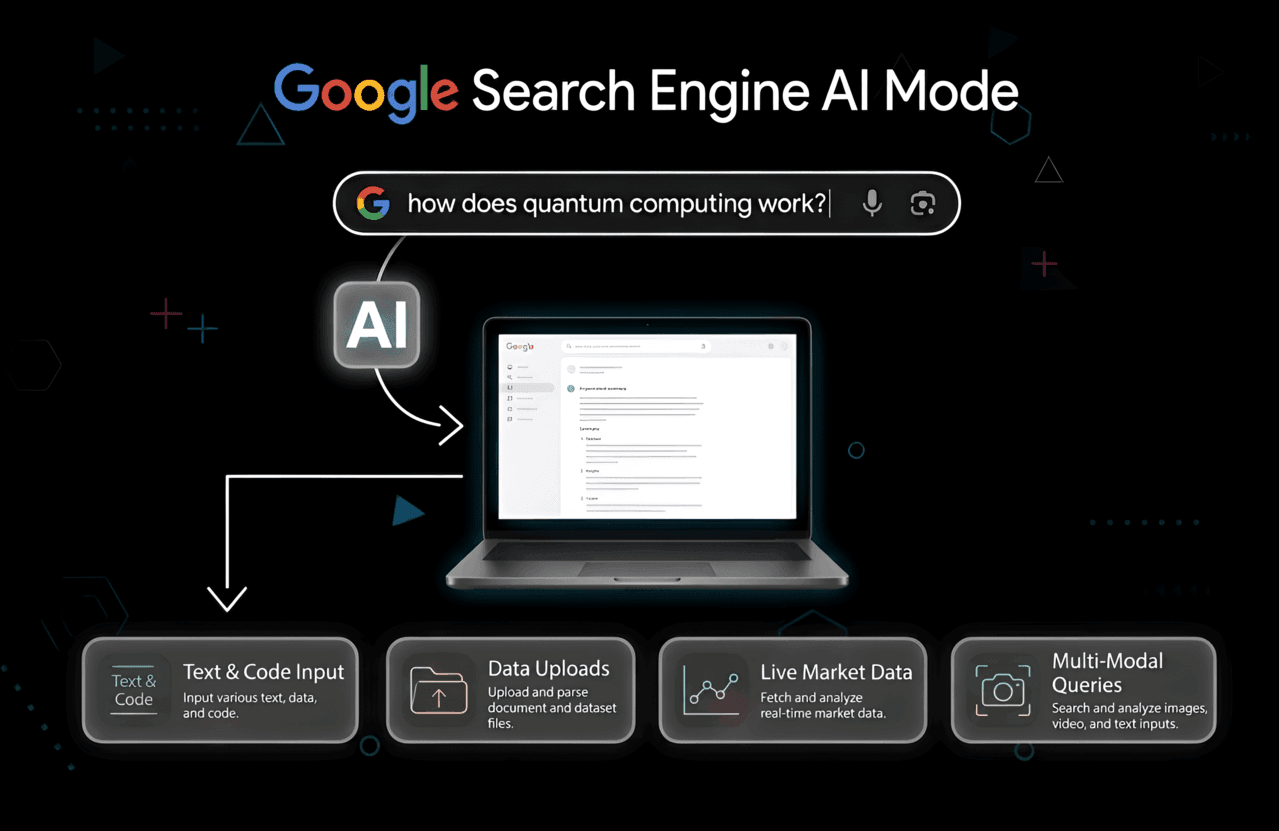
Let’s be honest: remember when "Googling" something meant typing a couple of keywords and then painstakingly hunting through a list of ten blue links to find what you actually needed? Yeah, those days are officially becoming ancient history. If you’ve looked at your screen lately and felt like the search results were actually talking back to you with full summaries, conversational answers, and weirdly specific follow-up prompts, you’re witnessing the massive takeover of Google’s Ai Mode.
Whether you’re just trying to find a quick dinner recipe, a student drowning in research, or a digital marketer frantically trying to keep your website from disappearing into the void, this shift is impossible to ignore. Google isn't just a search engine anymore; it's basically morphing into a personal assistant powered by Gemini. But what does this actually mean for you? Is the "old internet" dead? And how do you actually take control of this thing before it drives you crazy?
In this guide, we are going to cut through the corporate tech-speak and look at exactly how Google's Ai Mode works, how it’s different from the search we grew up with, and what it actually means for the future of browsing.
Quick Summary: The "TL;DR" on Ai Mode
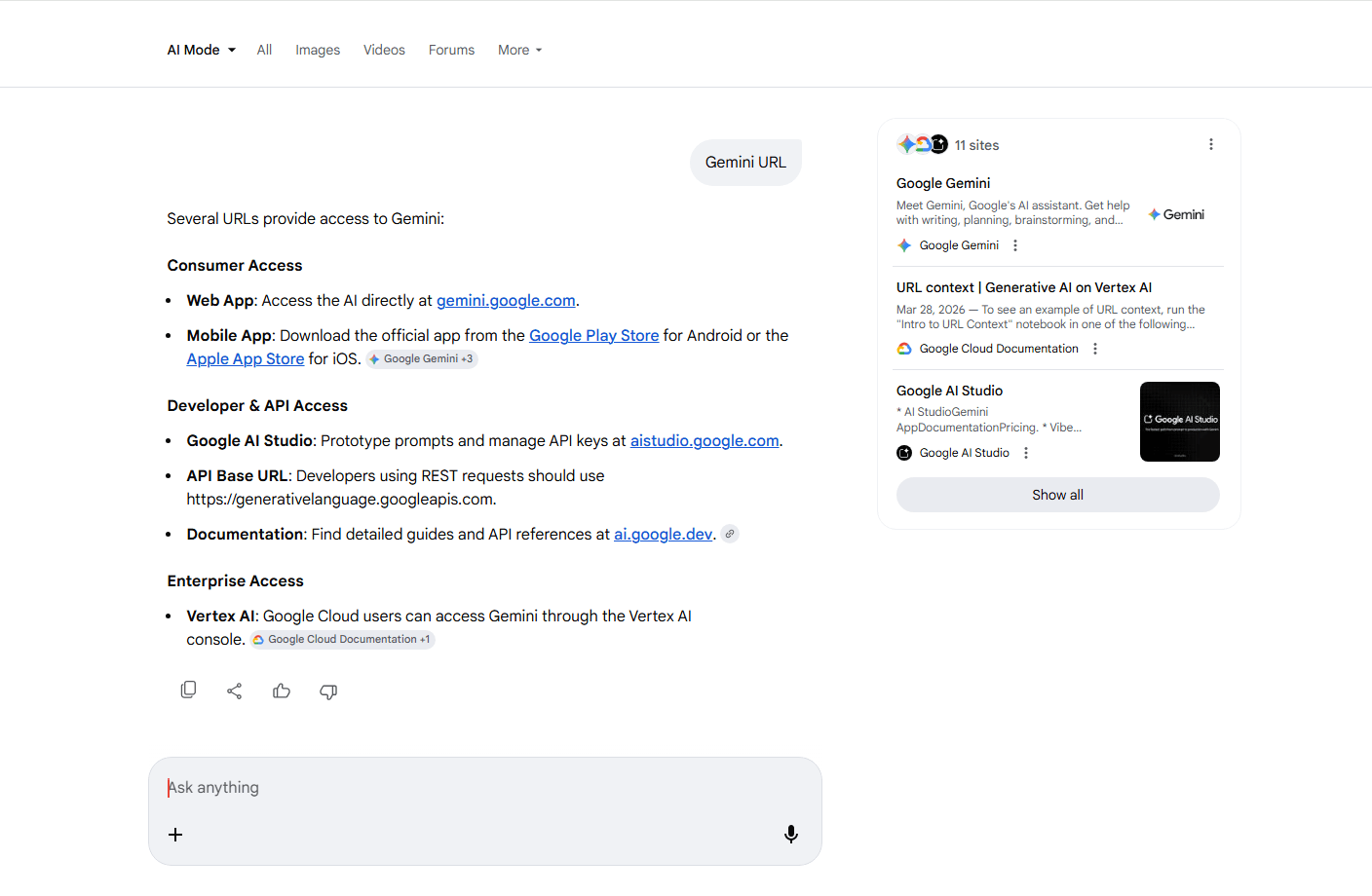
In a rush? Here is the fast breakdown of what you need to know:
- What it is: We’ll define Google Ai Mode (the tech formally known as SGE) and how it uses the Gemini model.
- Taking Control: A simple step-by-step on how to turn it on or shut it off.
- Old vs. New: Why searching today feels so much more like a conversation than a command.
- The Art of the Prompt: How to talk to the AI so you actually get a useful answer.
- The SEO Earthquake: Why creators have to pivot their strategy right now to survive.
- What’s Next: Where Google is taking us in 2026 and beyond.
Heads up: By 2026, generative AI is expected to handle nearly 40% of all "heavy lifting" search queries. If you don't know how Ai Mode processes data, you're basically leaving your digital visibility to chance.
Wait, What Exactly is Google "Ai Mode"?
Let's clear the air. While most of us just call it "Ai Mode," Google’s official name for this whole vibe is "AI Overviews" (it used to be called Search Generative Experience, or SGE). It’s all running on their top-tier language model, Gemini.
In the old days, Google acted like a really fast librarian. You’d ask for a book on "how to bake sourdough," and it would point you to the best shelves (websites) in the building. You still had to do all the heavy reading yourself.
With Ai Mode, Google acts more like a master baker standing right in front of you. Instead of just handing you links, it reads the top pages for you, mashes the info together, and gives you a direct, conversational answer at the very top of your results. It’s got images, step-by-step lists, and it even waits for you to ask a follow-up question.
The Features You’ll See Everywhere:
- AI Overviews: That big, shaded box at the top that summarizes everything so you don't have to click.
- Conversational Follow-ups: The "Ask a follow-up" button that remembers what you were talking about two minutes ago.
- Instant Code: For the devs out there, it can debug your Python or explain a snippet without you ever leaving the search bar.
- Creative Drafting: You can literally ask Google to write a poem, draft an email, or summarize a 50-page PDF into five bullet points.
If you've ever played around with a ChatGPT language model, this will feel very familiar. The difference? Google's version is hooked up to the world's largest live database of real-time info.
How to Turn Google Ai Mode On (or Kill it Entirely)
Love it or hate it, Google is making this the new standard. But let’s be real, sometimes the AI gets things hilariously wrong (we call these "hallucinations"), or maybe you just miss having your screen filled with simple, honest links.
Want to try it out? (How to Enable)
If you aren't seeing the AI boxes yet and want to join the experiment, here is the shortcut:
- Open Google Chrome (make sure you’re logged in).
- Look for the Search Labs icon (it’s a little chemistry beaker) in the top right.
- Find the "AI Overviews and more" toggle.
- Flip it to ON.
- Accept the terms, and your next "how-to" search will likely trigger the AI.
Want it gone? (How to Disable)
Google is making it hard to dodge the AI entirely, but you still have two solid moves:
- Kill the Experiment: Head back to that beaker icon and toggle Search Labs off.
- The "Web" Escape Hatch: When you search, look at the menu under the search bar (Images, News, Videos). Click "Web". This strips away every single AI overview, snippet, and ad, giving you nothing but pure, organic links. It’s like a time machine back to 2015.
Ai Mode vs. Traditional Search: What Changed?
It’s not just a UI change; it’s a total shift in how we get answers. Let’s look at the side-by-side reality.
| Feature | Old School Google Search | Google Ai Mode |
|---|---|---|
| The Output | A list of 10 blue links you have to click. | A direct, synthesized answer written by AI. |
| Your Effort | High (You have to click, skim, and hunt). | Low (The answer is just... there). |
| What it’s for | Finding a specific brand or a quick fact. | Complex, multi-layered questions like "Plan me a vegan trip to Tokyo." |
| Context | Every search is brand new. | Conversational. It remembers your previous questions. |
| Where’s the Source? | Big, bold URLs are the focus. | Sources are tucked away in tiny "citation cards." |
Stop "Searching" and Start "Talking"
Since Google is now acting like an assistant, the "keyword" method is dying. If you want the AI to actually be useful, you have to learn the best way to write a prompt.
Stop typing like a robot. Start giving full instructions.
- The Weak Way:"cheap wordpress hosting"
- The Power Way:"Compare the best WordPress hosting providers for a total beginner under $5, and put the pros and cons in a table."
The more "personality" and context you give your prompt, the better Gemini can dig through the web to give you a custom answer. You can even tell it to explain things "like I’m five" or "write this in bullet points for a presentation."
How Ai Mode is Shaking the World of Blogging
Alright, let’s address the elephant in the room. If you’re a blogger or a business owner, you’re probably sweating. If Google just gives the user the answer, why would anyone ever click your link?
Honestly? It’s a valid fear. If your site only exists to answer simple questions like "How many ounces are in a cup?", your traffic is likely toast. But if you understand search engine positioning (SEO), you’ll see this isn't the end, it's just a pivot.
Experience Over Information
AI is amazing at facts, but it’s terrible at experience. It can’t taste a steak, it can’t test-drive a software, and it definitely doesn't have a soul.
To survive in 2026, your content has to do three things:
- Human Experience is Everything: Google’s "E-E-A-T" guidelines are now obsessed with Experience. You need to prove you actually did the thing. Use original photos, real case studies, and personal stories.
- Chase the Long-Tail: AI Overviews rarely pop up for super-specific, weirdly niche questions. Use your keyword research to find the gaps the AI isn’t filling yet.
- Optimize for the "Citation": Answer Engine Optimization (AEO) is the new game. You want your site to be the one the AI quotes. Keep your on-page optimization clean with clear headers and summaries that a bot can easily scrape and credit.
Pro Tip: Stop relying 100% on Google. If you want to know how to start a blog today, your #1 focus should be an email list. When people trust you, they’ll ignore the AI and go straight to your site.
Protecting Your Work: Plagiarism and Scraping
There’s a massive controversy here: Google trains its models on your work. It reads what you spent days writing and often spits it back out without giving you a proper link.
This is why it’s more important than ever to use plagiarism checker tools to make sure your work is unique and hasn't been lazily scraped by competitors. Also, because AdSense revenue might drop if pageviews fall, smart creators are branching out into CPA offers and affiliate marketing to diversify their income.
What if You Just Hate the AI?
If you’re a purist and you want the "classic internet" back, you aren't alone. A lot of people are jumping ship to find the best search engines other than Google.
- DuckDuckGo: Still the king of privacy. Zero AI tracking, just links.
- Bing: They have AI (Copilot), but their search results often feel more "traditional" and cite sources more aggressively.
- Perplexity AI: The researchers' favorite. It’s all AI, but it acts like a librarian that gives you a citation for every single sentence it writes.
Wait, Can Ai Mode Actually See?
Google isn't just stopping at text boxes. Gemini is "multimodal," which is a fancy way of saying it can understand sounds, pictures, and video.
People always ask, "Can ChatGPT watch videos?" Well, Google has the home-court advantage: YouTube. Ai Mode is already starting to pull answers directly from video transcripts. If you ask how to fix a pipe, it can skip you to the exact 5 seconds in a 20-minute video where the plumber shows the fix. It's also making things like creating a Flutter project way easier by providing real-time coding help in your browser.
Final Thoughts: Don't Fight It, Master It
Google's Ai Mode isn't some temporary fad or a failed experiment. It’s a fundamental rewrite of how we use the web. The days of clicking through ten tabs to find a simple answer are over.
For the average person, this is great; it’s faster and easier. For creators and marketers, it’s a massive wake-up call. The era of "boring, keyword-stuffed" articles is officially dead. To survive, you have to be more human. You have to share real emotions, real tests, and build real communities. If you can provide what the AI can't, you won't just survive this era, you’ll dominate it.